


Feature Highlights
All Features & Screenshots
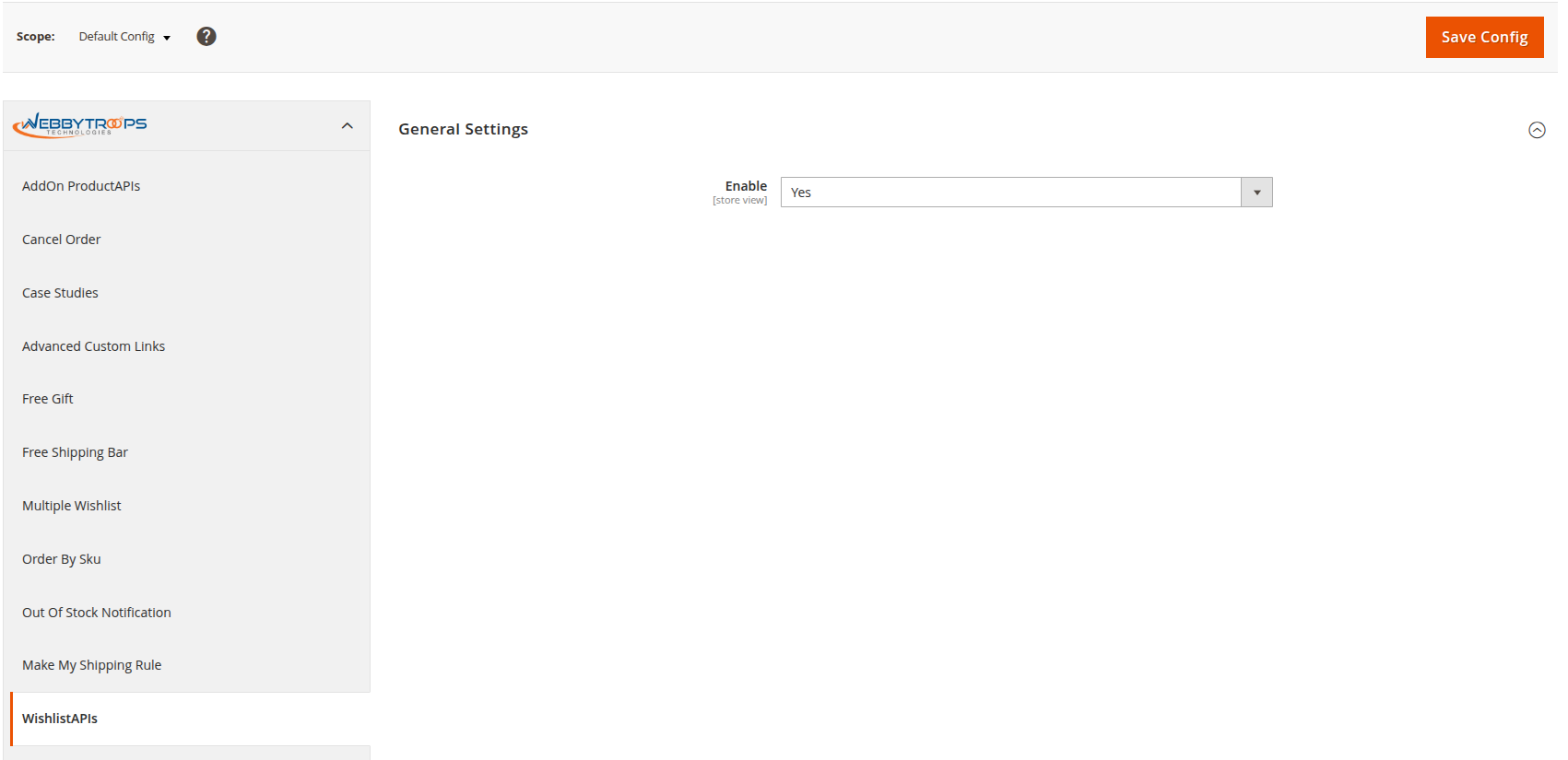
Enable option easily with store configuration.
To configure the Wishlist Module, navigate to Stores > Configuration > WebbyTroops > WishlistAPIs. This section provides all the necessary settings to enable and manage wishlist functionality,
How to show in swagger
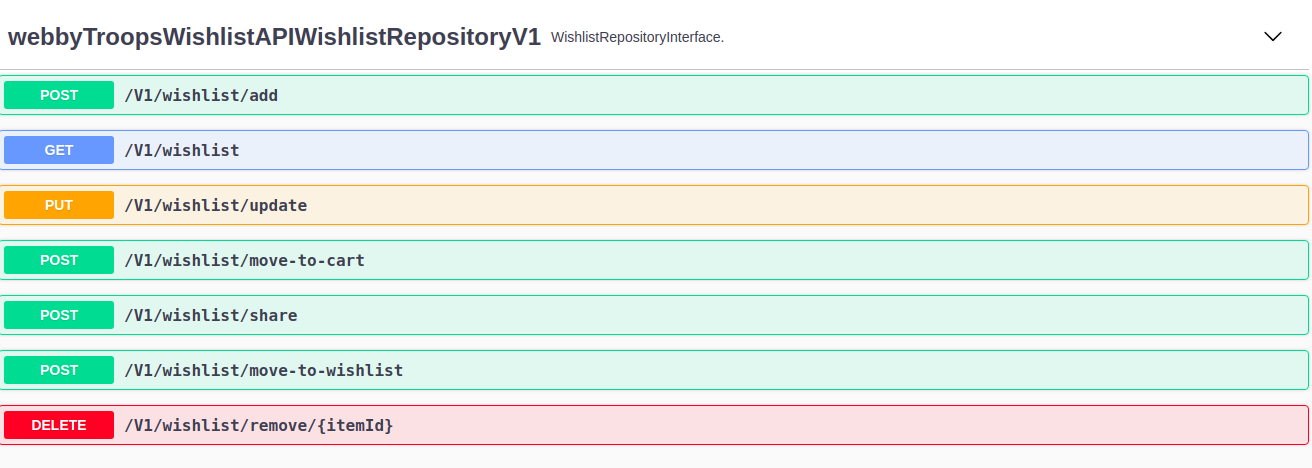
Once enabled, these APIs will be available and can be explored directly through Swagger UI, making it easy to test and integrate wishlist functionality with other systems or mobile applications.
How to use in Postman
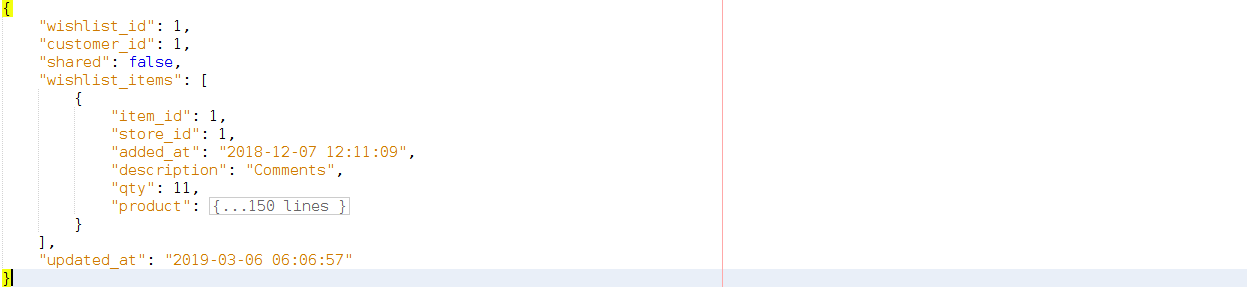
You can test the WishlistAPIs in Postman by setting your store’s base URL with the API endpoint, adding the required auth headers (Bearer token/OAuth), and sending requests to perform actions like add, remove, or fetch wishlist items.
Description
This module will provide all the APIs related to WishList functionality like add an item, update an item, delete an item, get all items, move to cart from WishList, move to WishList from cart and share WishList. Using these APIs, you can call the functions of the WishList from any third party platform like ERP, Mobile application (iOS, Windows, etc).
Example to Use:
Suppose a client wants to use WishList functionality for mobile applications or any ERP system and for that he needs to use REST APIs. Our module comes into the picture and plays a major role. The client can use our module to get all the REST APIs needed to fulfill their requirement. It makes the data and information accessibility more flexible.
Support and Discussion:
We are continuously working on enhancing and updating this module and will have updates in the future. For support or questions, please contact us at any time: [email protected]