



Feature Highlights
All Features & Screenshots
Enable option easily with store configuration.
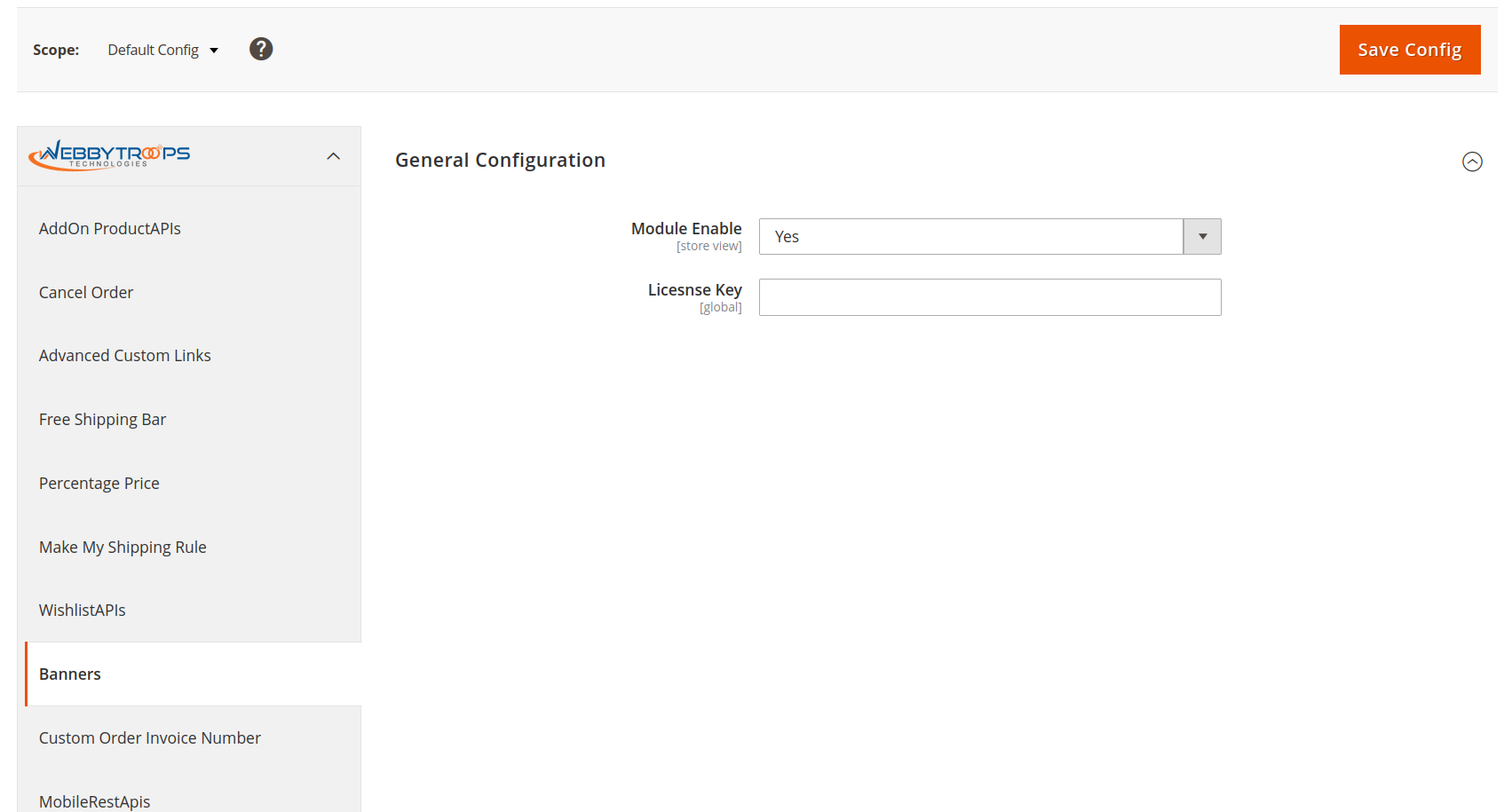
To activate the module, you need to navigate to Stores > Configuration > WebbyTroops > Banners > General and switch the Enable option to Yes, which turns the module on for your store.
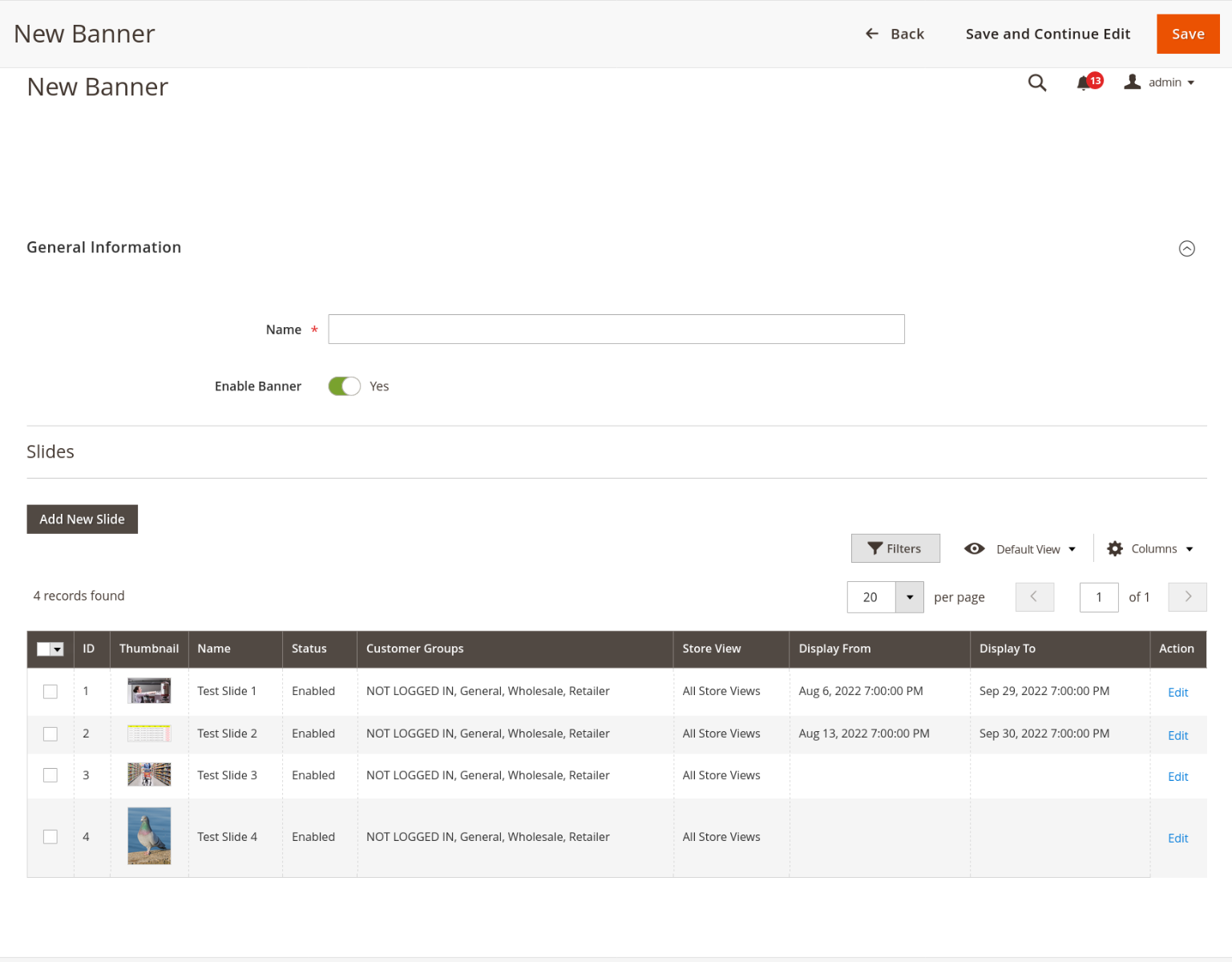
Add New Banner
The “Add New Banner” option allows you to create a new banner in the module, customizing it according to your store’s requirements.
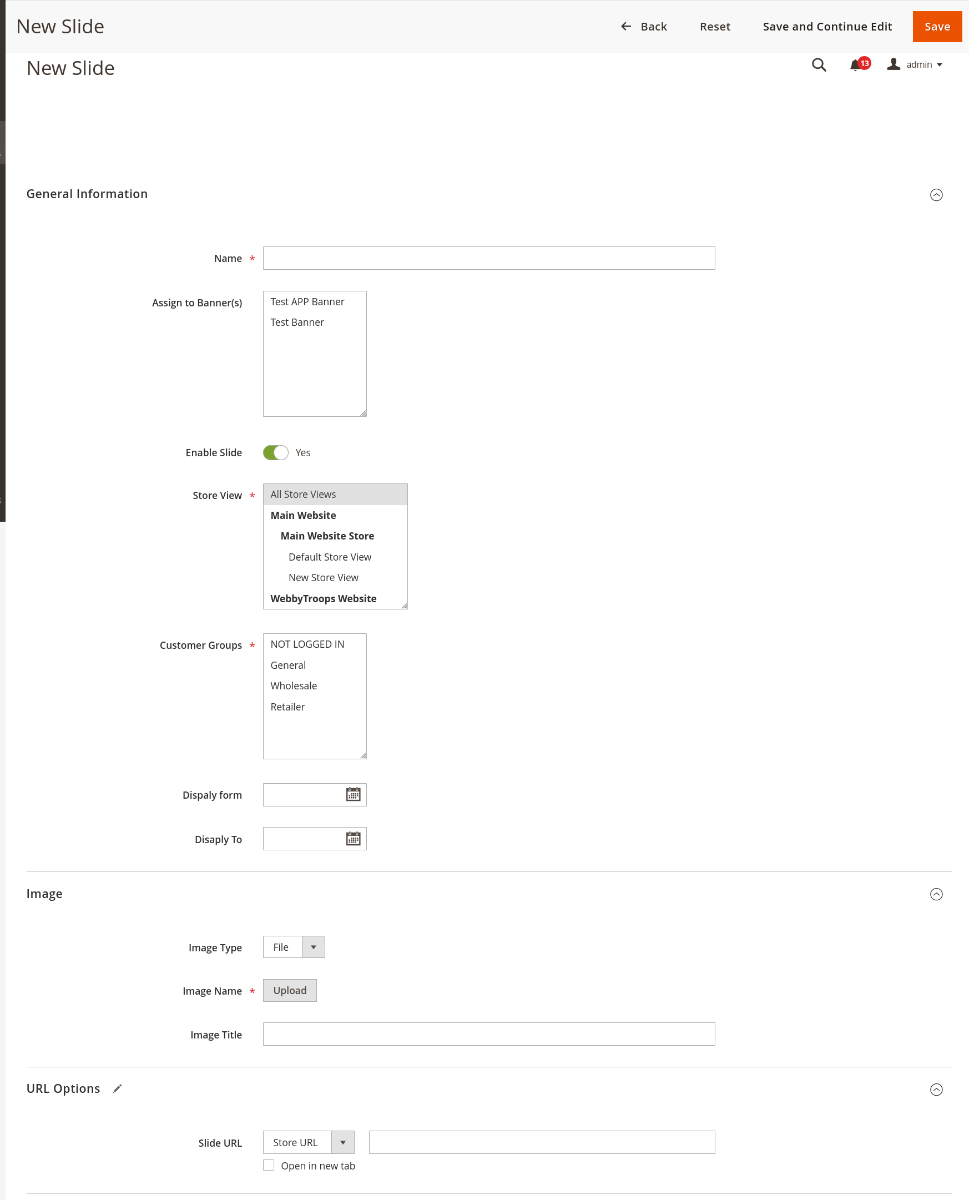
Add New Slide
Create a new slide for your store, customize it, and link it to a specific banner. You can also set the display duration, choose an image, file, or URL for the slider, and define a slide URL for redirection.
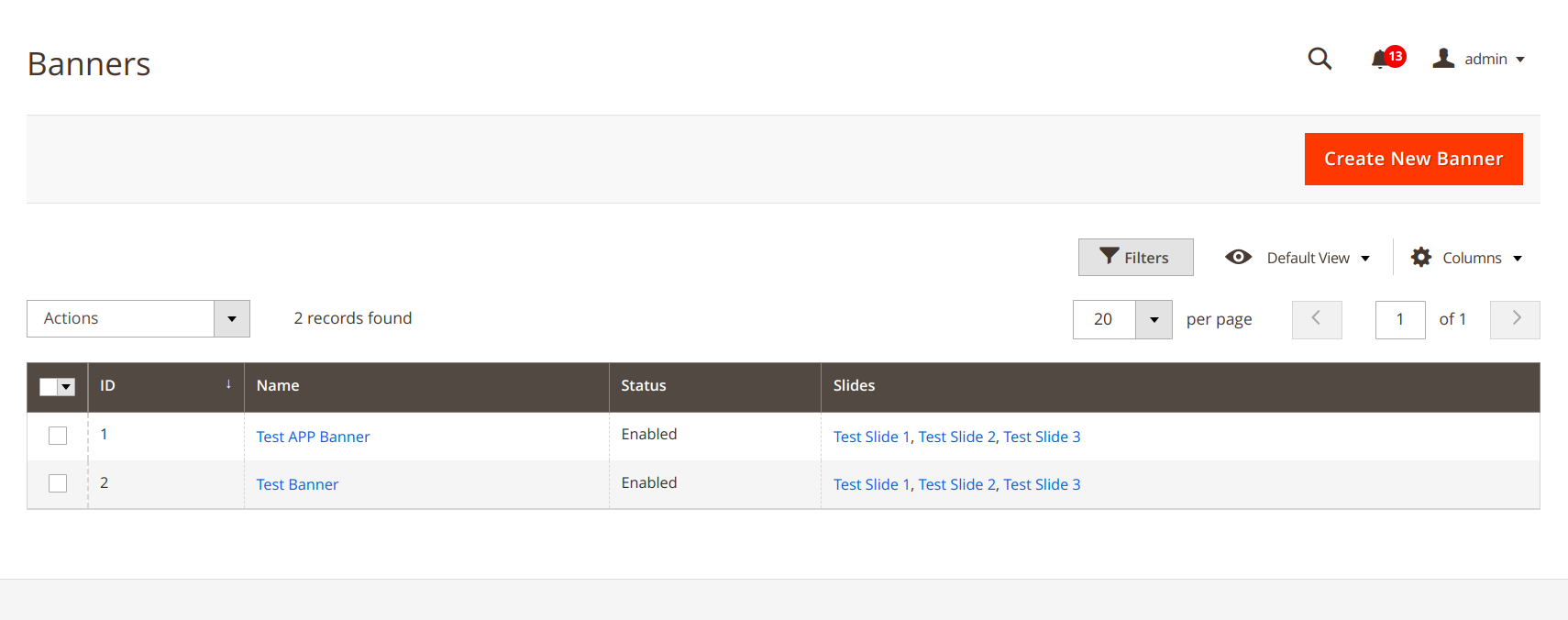
Show banner Listing
In admin selection, it displays all the created banners in an admin panel grid, allowing you to view, manage, and edit banners easily.
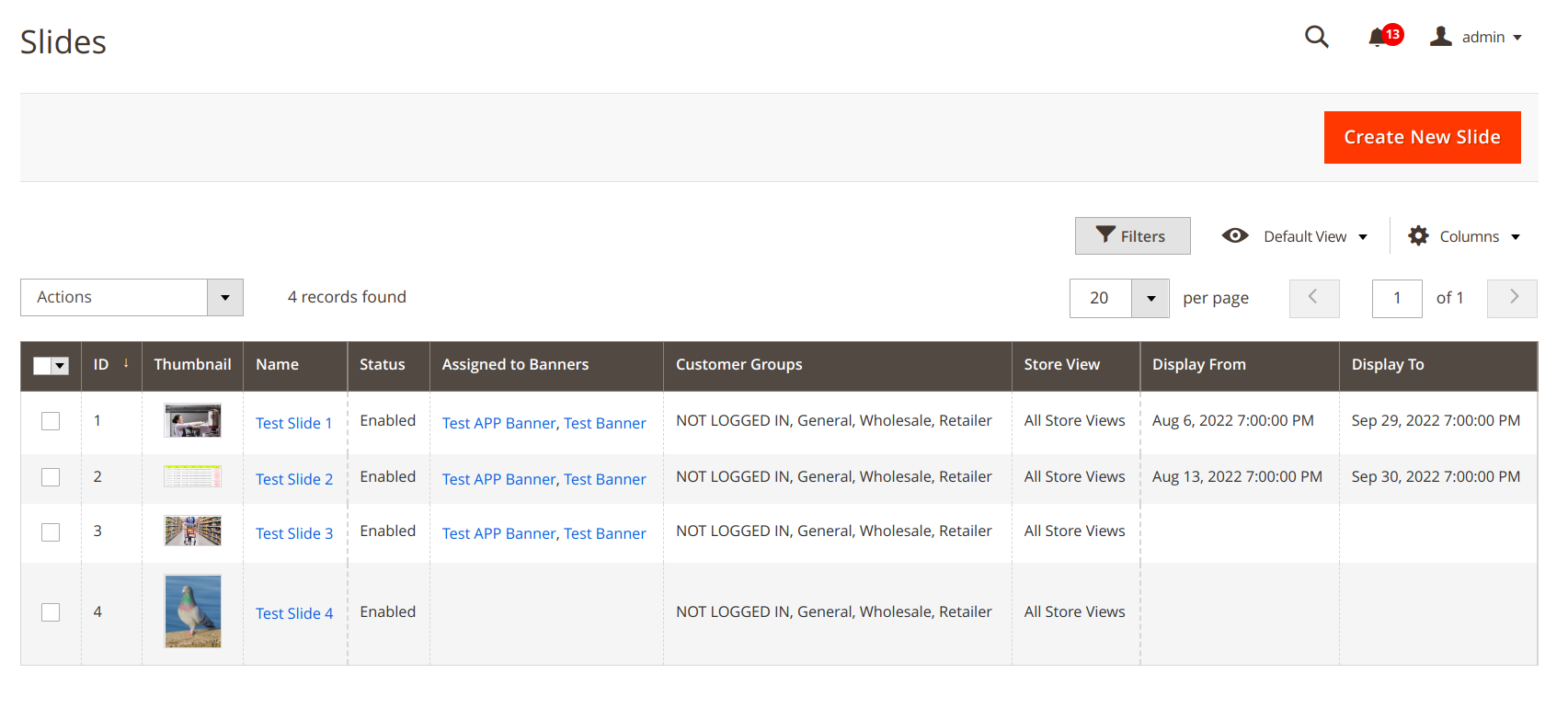
Show Slides Listing
Slides in the admin grid, grouped by their associated banner, allowing you to view and manage slides for each banner easily.
Description
Banners module provides the feature to manage the banners and slides which we want to show in the storefront. This module provides the feature to add any number of banners and these banners/slides can be managed on the basis of customer groups, store views and from date/to date. This module is very usable for merchants when they want to add banners from the back end itself without getting help from the technical team. The module is very easy to manage from the admin.
Banners module makes the admin’s job much easier as they can add banners and slides of that banner in the same page. We have provided a custom widget to show any banner on any page and the slides/images under the banners can be managed for each customer group/ store view or date wise. That means the admin can schedule the slides to show on any specific time duration. This module has API support as well so admin can manage these banners in the mobile app as well.
Benefits:
- Add any number of banners from the admin
- Filter every slide on the basis of customer group, date, and stores
- Add banners from backend
- Redirect URL for each slide of a banner
- Add banner on any page using code snippet
- REST APIs also available
Support & Discussion:
We are continuously working on enhancing and updating this module and will have updates in the future. For support or questions, please contact us at any time: [email protected].