


Feature Highlights
All Features & Screenshots
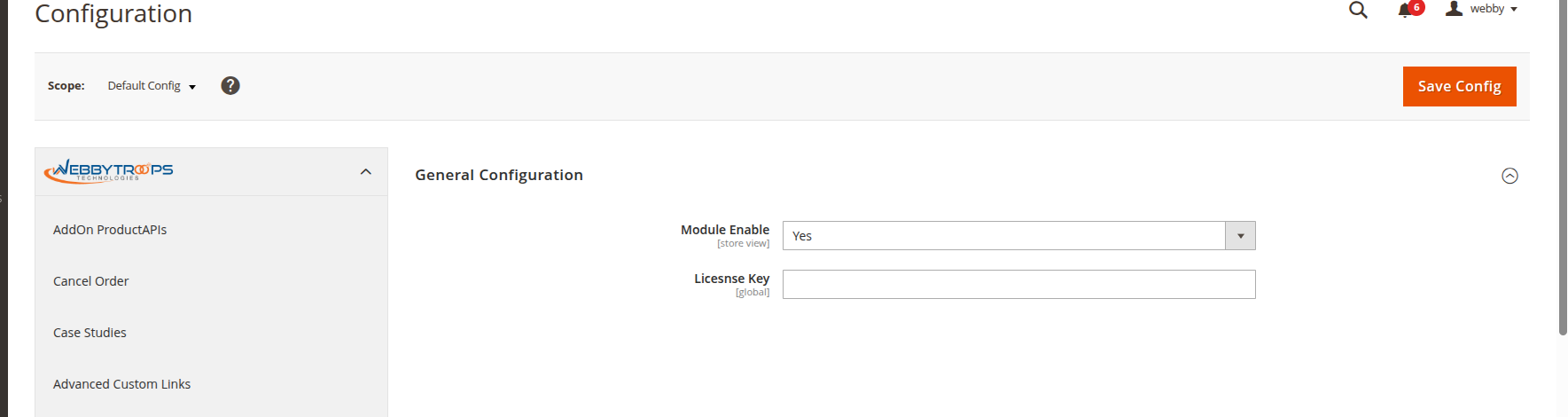
Enable option easily with store configuration.
To configure the Shop By Brand extension, navigate to Stores > Configuration > WebbyTroops > Shop By Brand, where you can enable or disable the extension and manage its general settings.
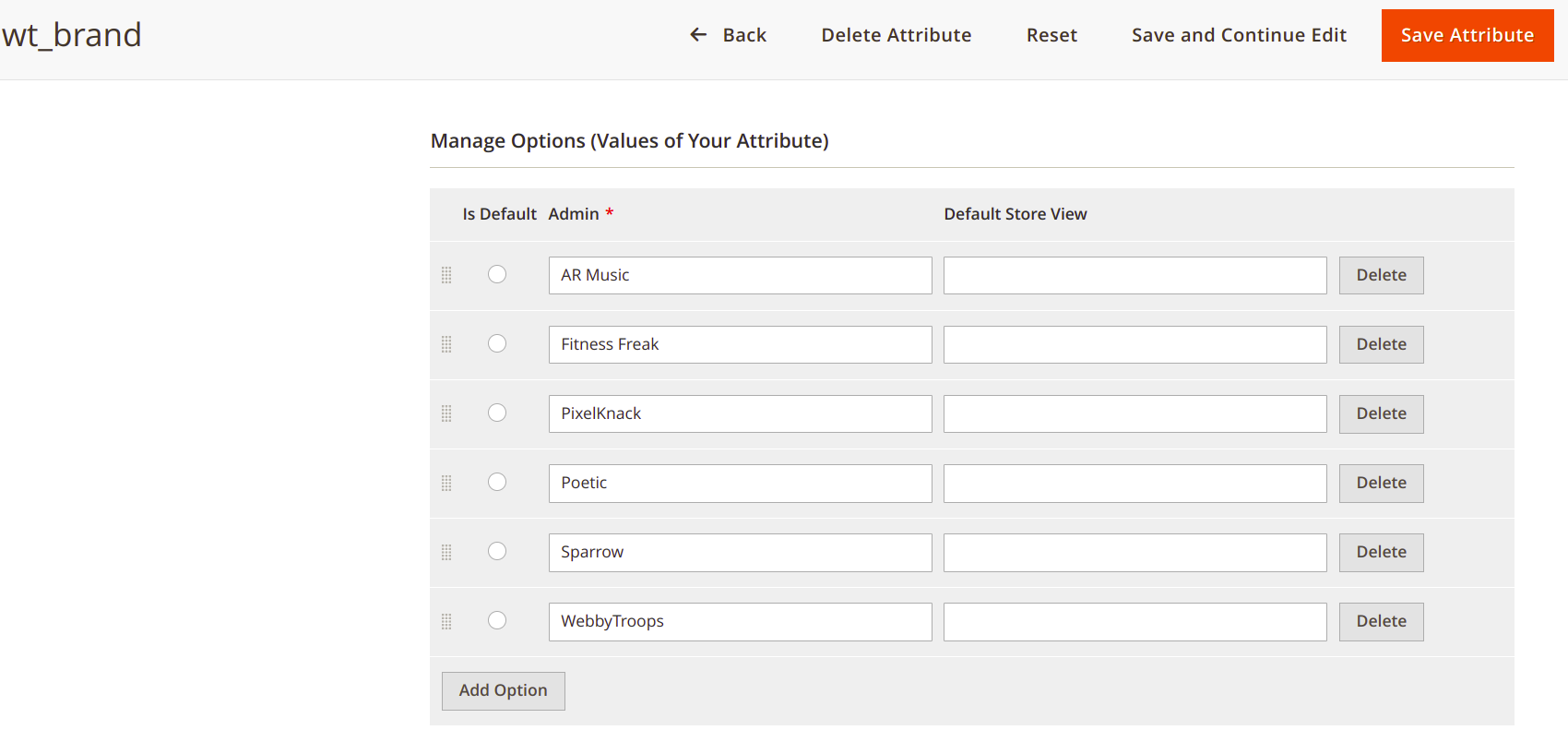
Set Brand Attributes
Any brand you create in the Shop By Brand extension will be automatically saved as an option in the “wt-brand” product attribute, which you can find under Stores > Attributes > Products. This allows you to assign the created brands to products.
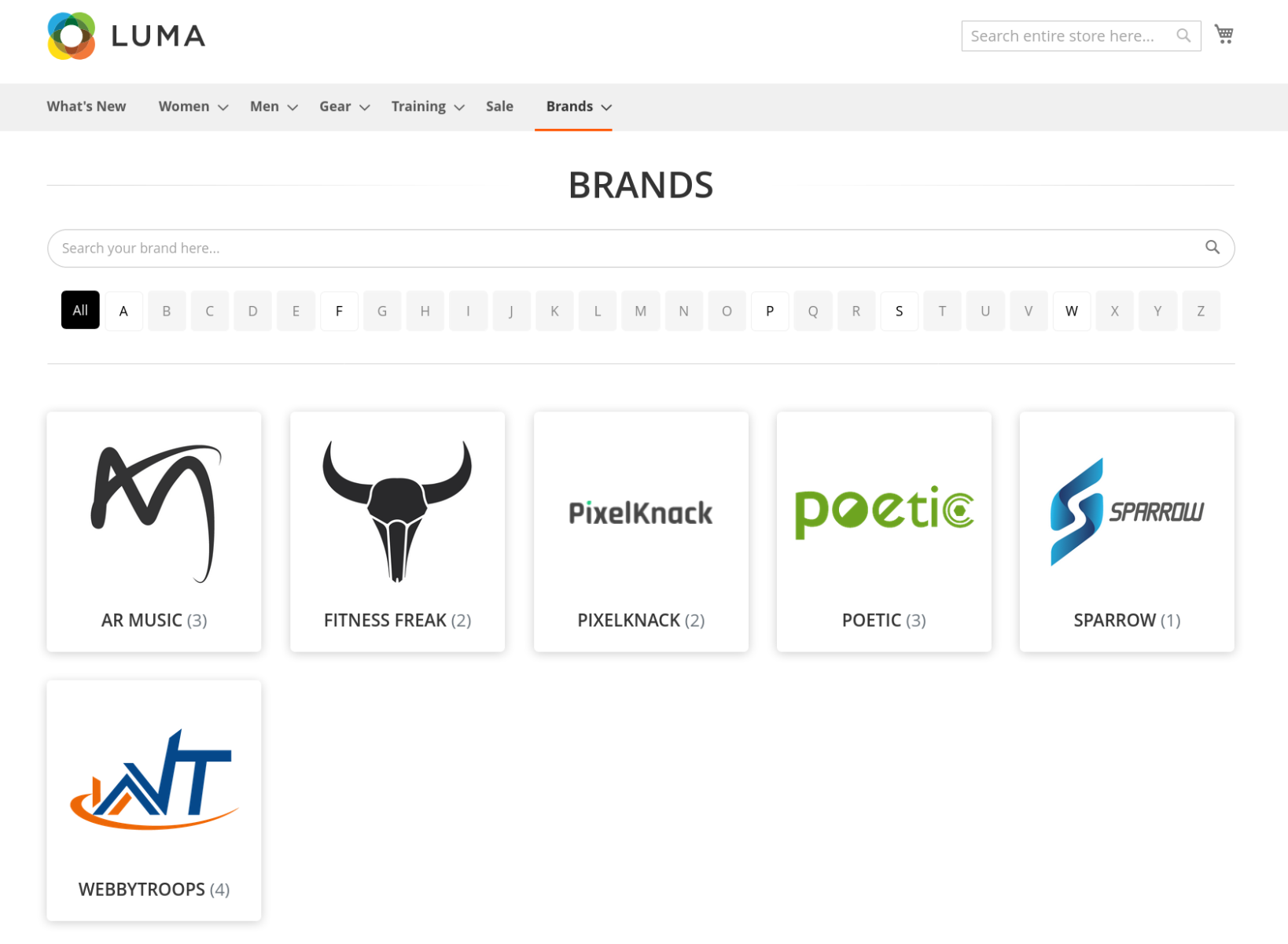
Show brand listing
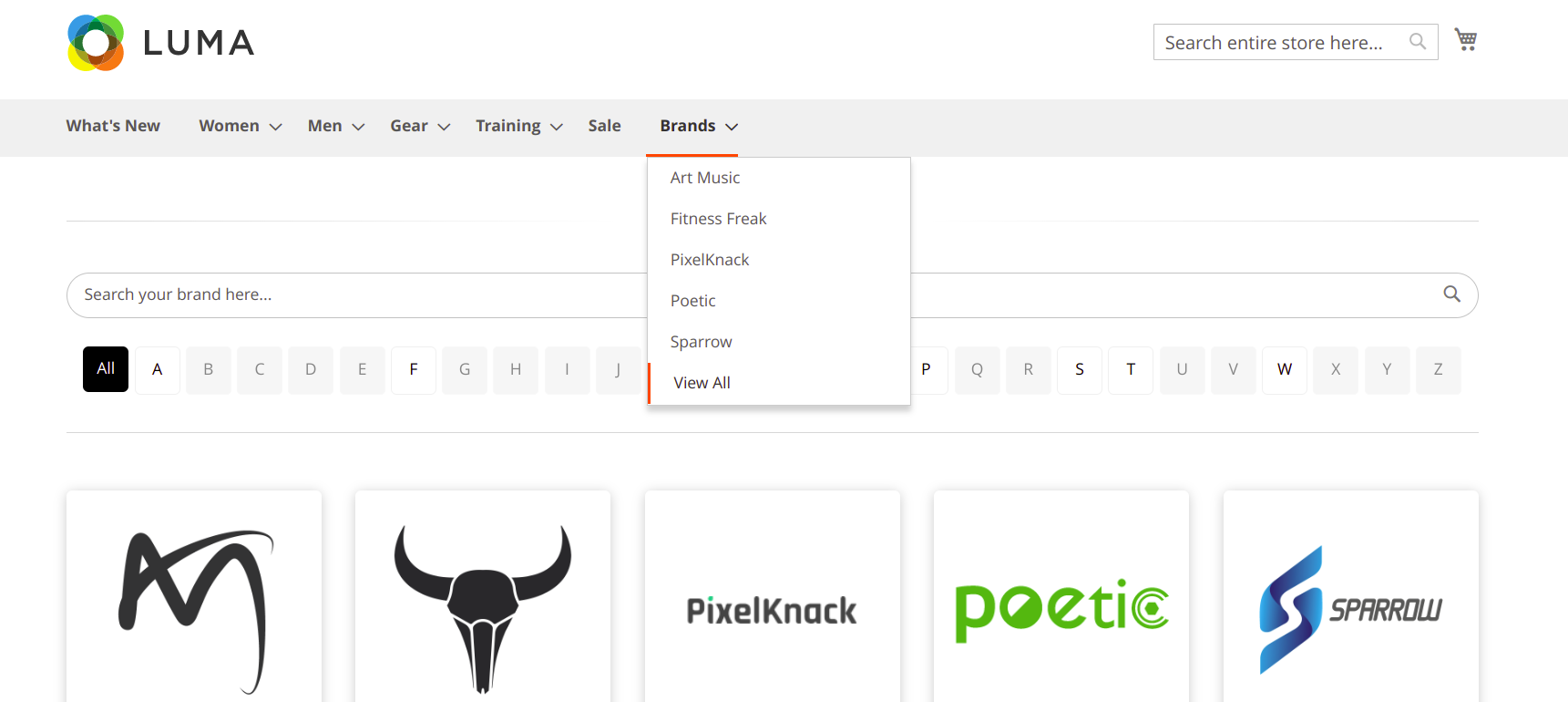
After clicking “View All”, customers will see a page listing all the brands available in your store, allowing them to browse products by each brand.
Show Brand in menu
When the module is enabled, the brands you have created will appear in the frontend menu, showing a dropdown list of all brand names so customers can easily browse products by brand.
Description
Shop By Brand module allows merchants to categorise products on the basis of different brands. After installing this module admin can add multiple brands. Admin can specify different products for different stores and he can do this on the same brand page. This module also allows admin to show a brand slider wherever they want to show it on their stores. At the frontend side, customers will see a brand page, displaying all brands with logo and number of products assigned to each brand. There is an individual brand page as well which will show all the products which are assigned to that brand. This page has a filter and sorting option.
Shop By Brand module helps the merchant to make the customer's shopping experience more easier by giving the option to choose the products by the brand they wish to.
Support & Discussion:
We are continuously working on enhancing and updating this module and will have updates in the future. For support or questions, please contact us at: [email protected].