
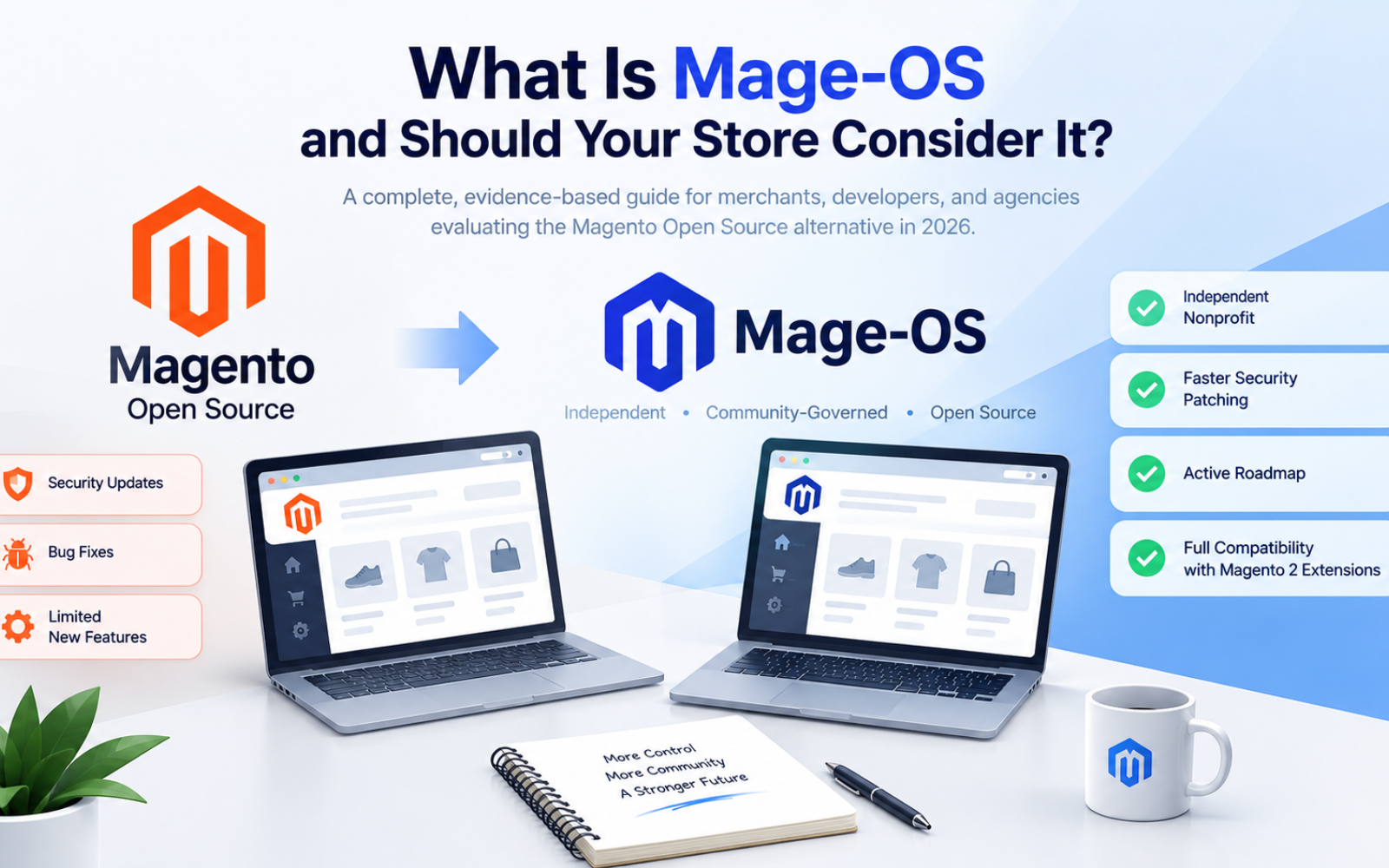
What Is Mage-OS and Should Your Store Consider It?
A complete, evidence-based guide for merchants, developers, and agencies evaluating the Magento Open Source alternative in 2026
Quick Answer
Mage-OS is a free, independent, community-governed distribution of Magento Open Source. It's not a new platform — it's a drop-in, upstream-compatible replacement for Magento Open Source, maintained by a nonprofit association instead of Adobe. Mage-OS aims to keep compatibility with all existing Magento 2 extensions and integrations to the greatest extent possible, so most stores can switch without rebuilding their tech stack. It's worth considering if you run Magento Open Source (not Adobe Commerce), want a more active roadmap, faster security patching, and a governance structure that isn't dictated by a single vendor's enterprise priorities.
If you're currently on Adobe Commerce and depend on its cloud infrastructure, B2B modules, or composable services, Mage-OS is a bigger conversation — not a simple swap.
Key Takeaways
- Mage-OS is a fork, not a clone — it shares Magento's codebase but is developed independently by a nonprofit.
- Mage-OS describes itself as an independent nonprofit distribution of Magento Open Source, not associated with Adobe or Magento.
- The first Mage-OS release shipped in October 2023, based on Magento 2.4.6-p3 plus community contributions.
- Mage-OS 3.0, released in mid-2026, is built on Magento Open Source 2.4.9 and adds an interactive installer, Return Merchandise Authorization, and an Admin Activity Log.
- It's licensed under OSL-3.0, the same open-source license as Magento itself, so there are no licensing fees.
- The switch is generally low-friction for stores already on Magento Open Source, but it's not automatic for Adobe Commerce merchants using proprietary Commerce-only features.
What Is Mage-OS, Exactly?
Mage-OS is a community-maintained, upstream-compatible distribution of Magento Open Source. Think of it less like a competing e-commerce platform (in the way Shopify or BigCommerce compete with Magento) and more like a parallel branch of the same tree — one steered by the merchants, agencies, and developers who actually use the software, rather than by a single corporation's product roadmap.
Mage-OS maintains its own fork of the Magento core, and describes itself explicitly as an independent nonprofit distribution of Magento Open Source that is not associated with Adobe or Magento. In practical terms, that means:
- Your store's underlying architecture, database structure, admin panel, and checkout flow are still fundamentally "Magento" — the same PHP monolith, the same module system, the same Composer-based dependency management.
- Mage-OS packages are published to their own Composer repository, so switching a store over is a dependency swap rather than a platform migration.
- Mage-OS packages are structured similarly to the ones downloaded from Magento's own Composer repository, and Mage-OS is built to remain compatible with all existing Magento 2 extensions and integrations.
The name itself is a nod to Magento's original open-source roots, before the Adobe acquisition reshaped its priorities. Mage-OS isn't trying to be a "new" e-commerce platform that merchants need to learn from scratch — it's positioning itself as what Magento Open Source would look like if it had continued to be developed primarily for the open-source community rather than as a funnel toward a paid enterprise product.
Why Was Mage-OS Created? The Backstory
To understand whether Mage-OS matters for your store, it helps to understand the frustration that created it.
From Varien to Adobe: A Quick Timeline
Magento launched in 2008 under Varien, founded by Roy Rubin and Yoav Kutner, and quickly became a go-to platform for flexible, scalable online stores. eBay acquired a stake and later took over the platform, then Magento was spun out as an independent company in 2015 after eBay divested PayPal. In 2016, Magento introduced an Enterprise Edition alongside the Community Edition, and by 2017 those were renamed Magento Open Source and Magento Enterprise. Adobe then acquired Magento in 2018, and Magento Enterprise became Adobe Commerce, receiving the bulk of Adobe's development investment.
That last step is the crux of the issue. Once Adobe's focus shifted, Magento Open Source was largely left to the community, receiving mainly security updates, bug fixes, and minor improvements, while new features arrived as SaaS-based Adobe Commerce add-ons with little publicly accessible code.
The Open Letter That Started It All
The ideas behind Mage-OS were first articulated in an open letter about the future of Magento, signed by 1,641 people who use, develop, or otherwise depend on Magento for their livelihoods. That letter crystallized a set of shared concerns across the merchant and developer community, commonly summarized as:
- Adobe Commerce's direction was moving toward composable, cloud-hosted microservices. This composable architecture was seen as suitable mainly for large enterprise merchants, effectively decomposing the traditional PHP monolith that most small and mid-sized businesses relied on.
- No public roadmap for Magento Open Source. Community members felt they had no visibility into what, if anything, was coming next for the free edition.
- Messaging concerns. Some in the community felt Adobe was blurring the distinction between "Magento" and "Adobe Commerce," which created confusion for merchants trying to understand what they actually had and what it would cost to keep it supported.
- A shrinking home for SMB and mid-market merchants. A large share of Magento merchants operate in the small-to-mid-market segment, and many felt increasingly neglected as Adobe's attention moved upmarket.
In response, the Mage-OS Association — a nonprofit formed by people within the Magento community — was created to represent the interests of merchants, developers, agencies, and everyone else supported by the ecosystem.
From Idea to Software
The first actual release of Mage-OS arrived in October 2023: version 1.0.0, built on Magento 2.4.6-p3 with community contributions merged in. Since then, the project has shipped a steady cadence of security and feature releases, culminating in the current 3.x line discussed below.
Mage-OS vs. Magento Open Source vs. Adobe Commerce
Merchants often conflate these three, so here's a side-by-side breakdown.
| Mage-OS | Magento Open Source | Adobe Commerce | |
|---|---|---|---|
| Cost | Free, OSL-3.0 license | Free, OSL-3.0 license | Paid enterprise license (often six figures annually) |
| Governed by | Mage-OS Association (nonprofit) | Adobe | Adobe |
| Roadmap transparency | Public, community-driven | Largely reactive (security patches) | Adobe-controlled, enterprise-first |
| Extension compatibility | Designed for compatibility with existing Magento 2 extensions | Native | Native, plus Commerce-only modules |
| Cloud/composable services | Not a focus | Not included | Central to current direction |
| RMA, Admin Activity Log out of the box | Added in 3.0 | Limited/absent | Included natively |
| Support model | Community + third-party agencies | Community + third-party agencies | Adobe enterprise support + SLA |
| Best fit | SMB/mid-market stores wanting an actively maintained free platform | Stores that haven't migrated yet, or prefer to stay closest to Adobe's baseline | Large enterprises needing cloud infrastructure, B2B, and Adobe's support contract |
The important distinction: Mage-OS is not competing with Adobe Commerce on features like composable microservices or enterprise B2B tooling. It's competing with stagnation in Magento Open Source. If your store already runs Magento Open Source, Mage-OS is a lateral move that trades Adobe's minimal-maintenance approach for a more actively developed, community-steered alternative. If your store runs Adobe Commerce and relies on its paid-tier features, Mage-OS isn't a like-for-like replacement — moving off Adobe Commerce would mean losing those enterprise capabilities unless you rebuild or replace them.
Key Features of Mage-OS (Current Release)
Mage-OS Distribution 3.0 is built on Magento Open Source 2.4.9, and represents the most substantial feature release the project has shipped to date. Here's what changed and why it matters for merchants:
1. A Genuinely Guided Installer
Version 3.0 introduced an interactive installer accessible via bin/magento install, offering a guided wizard with automatic service detection and the ability to resume after a failed step. For anyone who has fought through a failed Magento installation at 2 a.m., this alone is a meaningful quality-of-life improvement — fewer cryptic errors, fewer manual env.php edits, less guessing about which service versions are actually compatible.
2. Return Merchandise Authorization (RMA)
Mage-OS 3.0 adds native Return Merchandise Authorization functionality — historically a feature merchants had to buy from third-party extension vendors or build custom. Built-in RMA reduces both licensing cost and the maintenance burden of yet another third-party module in your codebase.
3. Admin Activity Log
An Admin Activity Log ships in 3.0 as well, giving store owners and agencies an audit trail of what changed in the admin panel and who changed it — useful for security compliance, agency accountability, and simply debugging "who touched this setting" disputes.
4. Opt-In Minimal Distribution
A new opt-in Minimal Distribution is available for merchants who want a slimmer, hand-built installation rather than the full default package set. This matters for performance-conscious teams who don't need every bundled module and want to reduce their attack surface and bootstrap time.
5. Modernized Dependencies
PHP 8.2 support was dropped in 3.0, with PHP 8.3 as the new minimum and PHP 8.4 recommended, and the underlying Symfony components were upgraded from the 6.4 line to 7.4 LTS. Adobe's analytics modules, which had no function outside Adobe's own ecosystem, were removed entirely. For developers, this is a real signal: Mage-OS is willing to make breaking changes for the sake of staying current, rather than freezing on ancient dependency versions to avoid disrupting anyone.
6. Better Compiled Performance
Improvements around lazy object loading on PHP 8.4+ translate into measurably faster compiled performance for stores that keep pace with the recommended PHP version.
Release Cadence and Security Responsiveness
One of the most practical questions merchants ask is: "If I move to Mage-OS, will I still get timely security patches?" The recent release history answers that directly.
Mage-OS 3.2.0, released July 14, 2026, was a security release that applied Adobe's isolated security patch 249-2026-07-001 and fixed a lower-severity issue in the interactive installer. Adobe distributes these isolated patches out-of-band, separate from its quarterly release train, and doesn't publish the content to any Magento git tag or Composer package — Mage-OS ports the patch to source so users get it by simply upgrading. That particular patch addressed a guest cart takeover vulnerability, among other issues.
A month later, Mage-OS 3.4.0 shipped on August 11, 2026, porting a critical Adobe security patch and fixing a crash on the admin new-product page. Adobe rated the most severe issue in that bulletin as critical, with a CVSS score of 9.1, and Mage-OS urged all 3.x users to upgrade promptly.
This pattern — patching Adobe's security disclosures quickly, even the ones Adobe distributes outside its normal release schedule — is arguably the single most important data point for any store owner weighing Mage-OS. It demonstrates that the project isn't just a one-time fork that will slowly rot; it's actively tracking upstream Magento security work and shipping fixes on a comparable or faster timeline.
Mage-OS has also committed to a public release cadence, with its next feature release after 3.0 targeted for October 2026.
Who Governs and Maintains Mage-OS?
Mage-OS is overseen by the Mage-OS Association, a nonprofit formed by people within the Magento community to represent merchants, developers, agencies, and everyone else supported by the ecosystem — not a single vendor with commercial incentives to push you toward a paid tier. Development happens transparently on GitHub, with pull requests, release notes, and discussion visible to anyone. The core repository carries the OSL-3.0 license, the same license Magento itself uses, and the project maintains dozens of related repositories covering everything from the core platform to mirrored documentation and CI tooling.
Backing comes from a mix of Magento agencies, hosting companies, and extension developers who have a commercial stake in Magento's long-term health — they contribute code, sponsor development time, and participate in governance because a thriving Magento Open Source ecosystem is good for their own businesses.
The Pros of Choosing Mage-OS
1. It's free, with no licensing cost.
Unlike Adobe Commerce, which typically carries substantial annual licensing fees scaled to your revenue, Mage-OS carries no platform cost. You still pay for hosting, development, and any commercial extensions you choose to install, just as you would with Magento Open Source.
2. Active, community-driven development.
Rather than waiting on Adobe's enterprise-first roadmap, Mage-OS ships features the community actually asks for — RMA and the Admin Activity Log are good examples of functionality merchants had been requesting for years.
3. Fast security patching, including out-of-band Adobe disclosures.
As shown above, Mage-OS has consistently ported Adobe's security patches — including critical, out-of-cycle ones — within weeks of disclosure.
4. Broad extension and theme compatibility.
Mage-OS aims to keep compatibility with all existing Magento 2 extensions and integrations to the greatest extent possible, meaning most stores don't need to abandon their existing extension stack or custom theme to make the switch.
5. Low-friction migration path from Magento Open Source.
Migrating existing Magento projects to Mage-OS is generally straightforward, without significant compatibility concerns around third-party extensions or infrastructure requirements.
6. Modern dependency support.
The project has shown a willingness to move forward on PHP and Symfony versions rather than staying frozen for backward compatibility's sake — good news for long-term maintainability and security posture.
7. Transparent governance.
Development discussions, release notes, and roadmap decisions happen in the open, which matters to agencies and merchants who were frustrated by the opacity of Adobe's Magento Open Source roadmap.
The Cons and Risks to Weigh
1. It's still a relatively young project.
Mage-OS only shipped its first release in October 2023, meaning it has a shorter production track record than Magento itself, which has been battle-tested since 2008.
2. Smaller ecosystem than Adobe Commerce's official channel.
While compatibility with existing Magento 2 extensions is a design goal, extension vendors don't universally test and certify their products against Mage-OS specifically. Some enterprise-grade extensions, agencies, and hosting providers are still building out formal Mage-OS support.
3. No enterprise SLA or vendor support contract.
Adobe Commerce customers get a formal support agreement with contractual response times. Mage-OS support comes from the community and from agencies that specialize in the platform — which can be excellent, but it's a fundamentally different support model than a paid enterprise contract.
4. Not a fit for stores relying on Adobe Commerce-exclusive features.
If your store depends on Adobe Commerce's B2B suite, composable microservices, or Adobe I/O integrations, Mage-OS doesn't replicate those out of the box. You'd need to rebuild or replace that functionality.
5. Governance is still maturing.
As a relatively young nonprofit association, Mage-OS's long-term funding model, contributor pipeline, and organizational stability are still developing compared to a company with Adobe's resources. This isn't disqualifying, but it's a legitimate due-diligence question for risk-averse organizations.
6. Hosting and agency familiarity varies.
Not every hosting provider or Magento agency has deep, hands-on Mage-OS experience yet, though this is changing quickly as adoption grows.
Should Your Store Consider Mage-OS? A Decision Framework
Rather than a blanket yes or no, walk through these questions:
You're a strong candidate for Mage-OS if:
- You currently run Magento Open Source (not Adobe Commerce) and have felt the platform stagnating.
- You want RMA and admin audit logging without buying separate extensions.
- Your team wants faster security patching, particularly for out-of-cycle Adobe disclosures.
- You care about supporting an open-source, community-governed future for the platform rather than funneling revenue toward Adobe Commerce upsells.
- Your extension and theme stack is relatively standard Magento 2 tooling, not deeply tied to Adobe-proprietary modules.
- You have (or can hire) development resources comfortable working with PHP 8.3/8.4 and Composer-based Magento projects.
You should think carefully — or hold off — if:
- You're on Adobe Commerce and actively use its Cloud, B2B, or composable-services features; migrating away means rebuilding that functionality elsewhere.
- Your organization requires a contractual enterprise SLA with a named vendor, which Mage-OS's community model doesn't provide.
- You depend on extensions that explicitly haven't been tested against Mage-OS, and the vendor can't confirm compatibility.
- Your hosting provider or agency has no Mage-OS experience and you're not prepared to find one that does.
- You're extremely risk-averse about running on a still-maturing nonprofit's release cadence, however strong that cadence has been so far.
A Middle Path: Staging First
For most SMB and mid-market Magento Open Source merchants, the lowest-risk approach is to stand up a staging environment on Mage-OS, point it at a copy of your production database, and run your full extension and theme stack against it before committing. Because Mage-OS is designed for straightforward migration from Magento Open Source with minimal compatibility concerns, this test is usually quick to set up and gives you concrete evidence — not just marketing claims — about whether your specific store runs cleanly.
How to Migrate to Mage-OS
If you decide to move forward, the migration is a dependency-level change rather than a platform rebuild:
- Audit your current extensions and custom modules. Check each third-party extension vendor's site or repository for explicit Mage-OS compatibility statements, and flag anything Adobe Commerce-specific.
- Spin up a staging environment. Clone your production codebase and a recent database export into an isolated environment before touching anything live.
- Swap the Composer dependency. Point your
composer.jsonat themage-os/product-community-editionpackage instead of Magento's Open Source package, then run a Composer update. - Run the interactive installer or manual setup upgrade. Mage-OS 3.0's guided installer handles service detection and can resume after a failed step, which simplifies this process considerably compared to older manual setups.
- Full regression test. Check checkout, payment methods, shipping calculations, admin workflows, and any custom modules end-to-end.
- Review the upgrade notes for your specific version jump. Mage-OS publishes upgrade notes alongside each release, flagging deliberate behavior changes that could affect custom code.
- Cut over during a low-traffic window, with a documented rollback plan in case anything unexpected surfaces in production traffic patterns that staging didn't catch.
Most agencies experienced with Magento 2 report this as a manageable project measured in days, not months — assuming your extension stack is reasonably standard and doesn't lean heavily on Adobe Commerce-only functionality.
Conclusion: Is Mage-OS Right for Your Store?
Mage-OS isn't a gamble on an unproven startup platform — it's a continuation of software you may already be running, maintained by the people who actually use it, with a demonstrated record of shipping security patches quickly and adding features merchants have wanted for years. Its 3.0 release brought a genuinely useful set of upgrades — an interactive installer, built-in RMA, an Admin Activity Log, and a leaner Minimal Distribution option — while staying close enough to Magento's core that migration is realistic for most existing stores.
If you're running Magento Open Source today and have felt the platform stall under Adobe's enterprise-first roadmap, Mage-OS deserves a serious staging-environment trial. If you're on Adobe Commerce and rely on its enterprise-only capabilities, the calculus is different — Mage-OS isn't a replacement for those features, and any move would need a plan for rebuilding what you'd give up.
Either way, the safest first step isn't a full commitment — it's standing up a staging copy of your store on Mage-OS and letting your own extension stack, theme, and workflows answer the question for you.
Download The Free E-book & Launch Your Brand Strategically

Download The Free E-book & Launch Your Brand Strategically
Frequently Asked Questions
Share this post



