
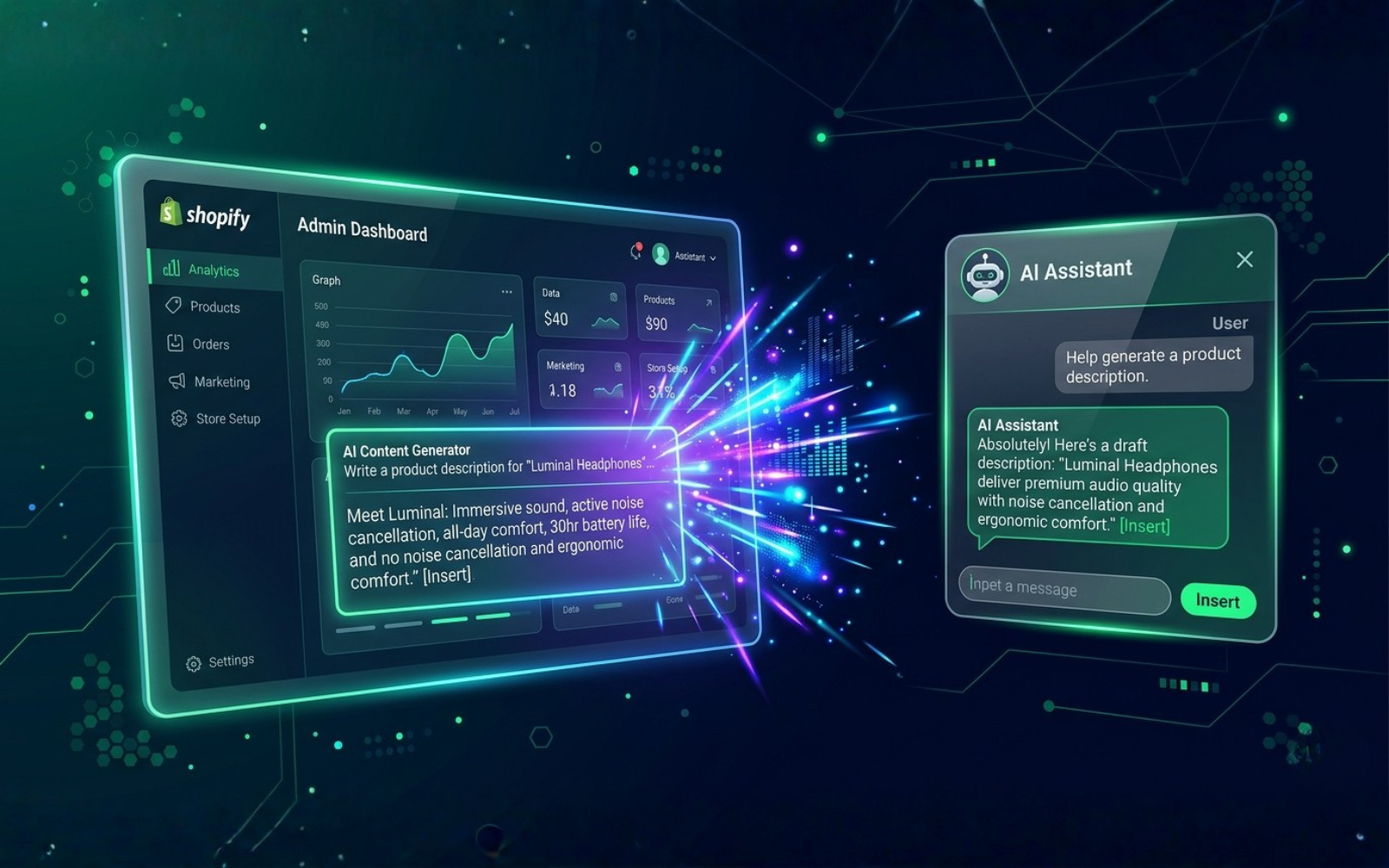
Shopify's New AI Features, Explained for Store Owners
Shopify AI refers to artificial intelligence built into or connected to the Shopify platform that helps merchants create content, manage store operations, understand data, and automate repetitive ecommerce tasks. It isn't a single app — it's an umbrella covering Shopify Magic (AI content and editing tools) and Shopify Sidekick (a conversational assistant in the admin), plus a growing set of AI-related capabilities for developers.
Shopify has been building AI into the merchant experience since 2023, and by 2026 these tools touch product pages, email marketing, image editing, store analytics, and basic automation. This guide explains what each feature actually does, who it's for, what it can't do, and how to use it without over-relying on it.
What Are Shopify's New AI Features?
Shopify's AI features are native tools that sit inside the Shopify admin and use large language models and machine learning to help with day-to-day merchant work — writing, editing, tagging, and answering questions about the store. They exist to reduce the time merchants spend on repetitive tasks like writing product descriptions or digging through reports.
The key distinction: native Shopify AI (Magic, Sidekick) is built directly into your admin and understands your store's data by default. Third-party AI apps from the Shopify App Store connect to your store but are separate products with their own pricing, data policies, and support.
Shopify AI Features at a Glance
| Feature | What It Does | Best For | Status |
|---|---|---|---|
| Shopify Magic | Generates product descriptions, meta titles/descriptions, email copy, and suggests product tags; edits product images | All merchants | Free, built into admin |
| Shopify Sidekick | Conversational assistant; answers store-performance questions, drafts content, creates discounts, can build basic Flow automations | Store owners who find the admin overwhelming | Rolling out; capability varies by store |
| AI-suggested tags | Auto-suggests size, color, material, and category tags from product data | Large catalogs | Part of Magic |
| Shopify Flow + Sidekick | Natural-language automation building | Growing/Plus stores | Expanding, check availability |
| Third-party AI apps | Chatbots, advanced personalization, predictive analytics | Stores that outgrow native tools | Paid, varies by app |
Always confirm current availability in Settings > Notifications or your Shopify admin, since rollout pace differs by plan and region.
Shopify Magic Explained
Shopify Magic is a free suite of AI tools built into Shopify that helps merchants produce first drafts of text and make quick image edits, using product data already in your store.
What it typically covers:
- Product descriptions — drafts copy from your product title, type, and existing details
- Meta titles and meta descriptions — SEO-formatted suggestions for length and keyword placement
- Email content — subject lines and body copy inside Shopify Email
- Product image editing — background removal and quick visual edits
- Auto-tagging — suggests tags for filtering and search
Example
A small fashion store uploads a new jacket. Magic drafts a description mentioning fabric and fit based on the product data entered. The owner then edits the draft to match brand tone, double-checks sizing claims, and adds a detail Magic couldn't know — that the jacket is made from a specific recycled fabric. This is the intended workflow: AI drafts, a human verifies and finishes.
Always review Magic output for factual accuracy, brand voice, and any specific product claims (materials, care instructions, certifications) before publishing.
Shopify Sidekick Explained
Shopify Sidekick is a conversational AI assistant inside the Shopify admin that helps merchants find information, complete tasks, and get plain-language explanations of store data — instead of navigating admin menus manually.
What can Sidekick actually do for a store owner? Based on current merchant reporting, it can:
- Answer questions like "what were my best-selling products last month?"
- Draft basic content (product copy, simple emails)
- Create discount codes from a written request
- Suggest theme or layout adjustments in plain language
- Build simple Flow automations from a natural-language description, on stores where this has rolled out
Sidekick is an assistant, not an autopilot — it works within Shopify's existing admin functions rather than performing arbitrary custom development. Treat any figures or automation results it produces as a starting point to verify, not a final answer.
How Shopify AI Can Help Store Owners
Product Management
Drafting descriptions and titles at scale, auto-tagging large catalogs, and speeding up new product uploads.
Marketing
First drafts of email subject lines, promotional copy, and campaign ideas that a marketer then edits and sends.
SEO
Magic can draft meta titles and descriptions following basic SEO formatting. It cannot guarantee rankings — that still depends on site structure, original content, backlinks, and search intent match.
Customer Support
Native Shopify AI support tools are limited compared to dedicated third-party chatbot apps, which offer deeper automation for FAQs, order status, and returns.
Analytics and Decision-Making
Sidekick can summarize store performance in plain language, which helps non-technical owners interpret reports faster.
Store Administration
Auto-tagging, quick discount creation, and natural-language automation reduce time spent in admin menus.
Shopify AI Use Cases by Store Type
| Store Type | Most Useful AI Feature | Why |
|---|---|---|
| New/small store | Magic product descriptions | Fastest way to fill out a catalog |
| Growing ecommerce brand | Sidekick + auto-tagging | Saves admin time as catalog grows |
| DTC brand | Magic email drafts | Speeds up campaign production |
| Shopify Plus merchant | Sidekick automations | Reduces need for custom scripts on repetitive tasks |
| Agency-managed store | Magic for content at scale | Faster client turnaround on product pages |
| Multi-product catalog | Auto-tagging | Improves filtering and search accuracy |
| International store | Magic drafts (with human localization) | Speeds up base copy, but still needs local review |
What Shopify AI Cannot Do
- It can produce factually wrong or generic-sounding text
- It doesn't reliably capture nuanced brand voice without editing
- It cannot verify product claims (materials, safety, certifications) — you must
- It does not guarantee SEO rankings, indexing, or inclusion in AI Overviews
- It won't replace a merchandising or marketing strategy
- Feature availability varies by plan, rollout stage, and store history
Being clear about these limits matters: AI output should be reviewed the same way you'd review a junior team member's first draft.
Shopify AI vs. ChatGPT vs. Third-Party AI Apps
| Capability | Shopify AI | ChatGPT | Third-Party Shopify Apps |
|---|---|---|---|
| Knows your store data automatically | Yes | No (unless connected) | Varies |
| Product content drafts | Yes | Yes, with manual input | Varies |
| Store management actions | Limited, native tasks only | No | Sometimes, app-specific |
| General content creation | Basic | Strong | N/A |
| Advanced automation | Basic-to-moderate | No | Often stronger |
| Analytics assistance | Basic summaries | No (without data upload) | Often deeper |
| Setup effort | None — built in | Manual prompting | Install + configure |
There's no single "best" option — Magic and Sidekick are the fastest way to get started for free; ChatGPT is useful for broader brainstorming; dedicated apps make sense once a specific need (support automation, predictive analytics) outgrows native tools.
Shopify AI vs. Traditional Shopify Management
Traditional workflow: Research → Write → Edit → Upload → Analyze → Adjust
AI-assisted workflow: Prompt → Generate → Review → Publish → Analyze → Optimize
The core change is that AI compresses the drafting stage. The review, publishing judgment, and strategic decisions still sit with the merchant.
Common Problems Shopify AI Can Solve
Problem: Writing hundreds of product descriptions.
Solution: Use Magic to generate first drafts in bulk, then review for accuracy and voice.
Problem: Not understanding store performance data.
Solution: Ask Sidekick to summarize sales trends in plain language.
Problem: Marketing team stuck on blank-page ideation.
Solution: Use Magic or Sidekick to generate first-draft copy or campaign angles.
Problem: Repetitive admin tasks (tagging, discounts).
Solution: Use auto-tagging and Sidekick-created discounts to cut manual steps.
How to Use Shopify AI Effectively
- Identify repetitive tasks worth automating first
- Choose the right tool — Magic for content, Sidekick for admin/analytics questions
- Give clear context (audience, tone, product details)
- Generate a first draft, not a final version
- Fact-check every claim
- Add brand-specific detail AI can't know
- Optimize for search and readability
- Monitor results and adjust your prompts over time
Treat AI as a productivity layer, not an autopilot.
How to Choose the Best Shopify AI Tools
Before installing any AI app, ask: Does it integrate natively, or require manual data export? Is it compatible with your plan? What customer data does it access? Does it offer brand-voice controls? Does it require human review, or claim full automation? What's the real cost at your order volume?
Shopify AI Pricing and Availability
Shopify Magic is included free with a Shopify subscription. Sidekick's capabilities and rollout pace have expanded over time and can differ by store, plan, and region — check your admin for current access rather than assuming a feature is universally live. Third-party AI apps carry separate subscription costs listed in the Shopify App Store.
Security, Privacy, and Responsible AI
Before granting an AI app access to your store, review what customer data, payment details, and analytics it can see. Native Shopify AI operates within Shopify's own data policies; third-party apps have their own privacy terms — read them before connecting, especially anything touching personally identifiable or payment information.
SEO Implications of Shopify AI
AI can speed up metadata drafts, content ideation, and product categorization. It does not guarantee rankings, indexing, or featured snippet placement. Those still depend on original product information, first-hand expertise, clean site structure, internal linking, and technical SEO fundamentals.
AI Search and Shopify Stores
As shoppers increasingly use tools like Google AI Overviews, ChatGPT, Gemini, and Perplexity for product research, structured and clearly written product data matters more. Store owners can prepare by keeping product attributes accurate, adding genuine FAQs and reviews, and writing content that answers real customer questions directly — the same fundamentals that support traditional SEO also help AI systems understand and potentially reference your store.
Future of Shopify AI
Merchant reports point toward more natural-language automation (extending what Sidekick can build in Flow), deeper analytics summaries, and expanded image and content tools. These are directional trends based on Shopify's public roadmap and Editions announcements — not confirmed features for every store, so treat anything not yet live in your own admin as a possibility, not a plan.
Pros and Cons of Shopify AI
| Advantages | Limitations |
|---|---|
| Free, built into admin | Output can be generic |
| Faster first drafts | Requires human review |
| Reduces repetitive work | Availability varies by store/plan |
| Plain-language data summaries | Doesn't replace strategy |
| Useful for non-technical owners | Limited brand-voice control |
People Also Ask
Can Shopify AI write product descriptions? Yes — Magic generates first drafts from existing product data, which merchants should then review and edit.
Is Shopify AI worth using? For most merchants, yes, as a free time-saver — provided output is reviewed rather than published automatically.
What's the best AI tool for Shopify? There isn't one universal answer: Magic and Sidekick cover free, built-in basics; third-party apps fill specific gaps like advanced support automation.
Frequently Asked Questions
Does Shopify have an AI assistant?
Yes — Sidekick, built into the admin.
Is Shopify using generative AI?
Yes, both Magic and Sidekick use generative AI models.
Can Shopify AI manage my whole store?
No — it assists with tasks; strategy stays with the merchant.
Does Shopify AI work on every plan?
Core Magic is broadly available; newer Sidekick capabilities roll out gradually and vary by plan.
Are Shopify AI tools available to Plus merchants?
Yes, often with earlier access to expanded automation.
Do I need coding knowledge to use Sidekick?
No — it works from natural-language requests.
Can I turn AI features off?
Most can be adjusted or simply ignored in admin settings.
Does Shopify AI replace a copywriter?
It speeds up drafts but doesn't replace brand nuance or strategy.
What's the difference from a third-party AI app?
Native AI is built in and free; third-party apps are separate paid products with their own data policies.
Will it replace my SEO strategy?
No — it supports production, not technical SEO or link building.
Is customer data safe with Shopify AI?
Native tools follow Shopify's data policies; review third-party app permissions separately.
What should I do before using AI on live content?
Test on low-risk content first, fact-check, and adjust for brand voice.
What This Means for Store Owners
Shopify's AI features reduce the time spent on repetitive content and admin work, but they don't replace product strategy, merchandising judgment, customer experience decisions, or SEO fundamentals. The merchants getting the most value treat Magic and Sidekick as a fast first draft, not a finished product. If you're deciding where AI fits into your store — or want a professional review of your Shopify setup, SEO, or store performance — that's a good next conversation to have with a Shopify development partner.
Download The Free E-book & Launch Your Brand Strategically

Download The Free E-book & Launch Your Brand Strategically
Share this post



