
Magento 2.4.6 End of Life on August 11, 2026: What Store Owners Must Do Now
The lifecycle of enterprise eCommerce infrastructure demands proactive management. Under the Adobe Product Lifecycle Policy, older iterations of the platform systematically transition out of active support. The next critical milestone impacts Magento Open Source 2.4.6 and Adobe Commerce 2.4.6.
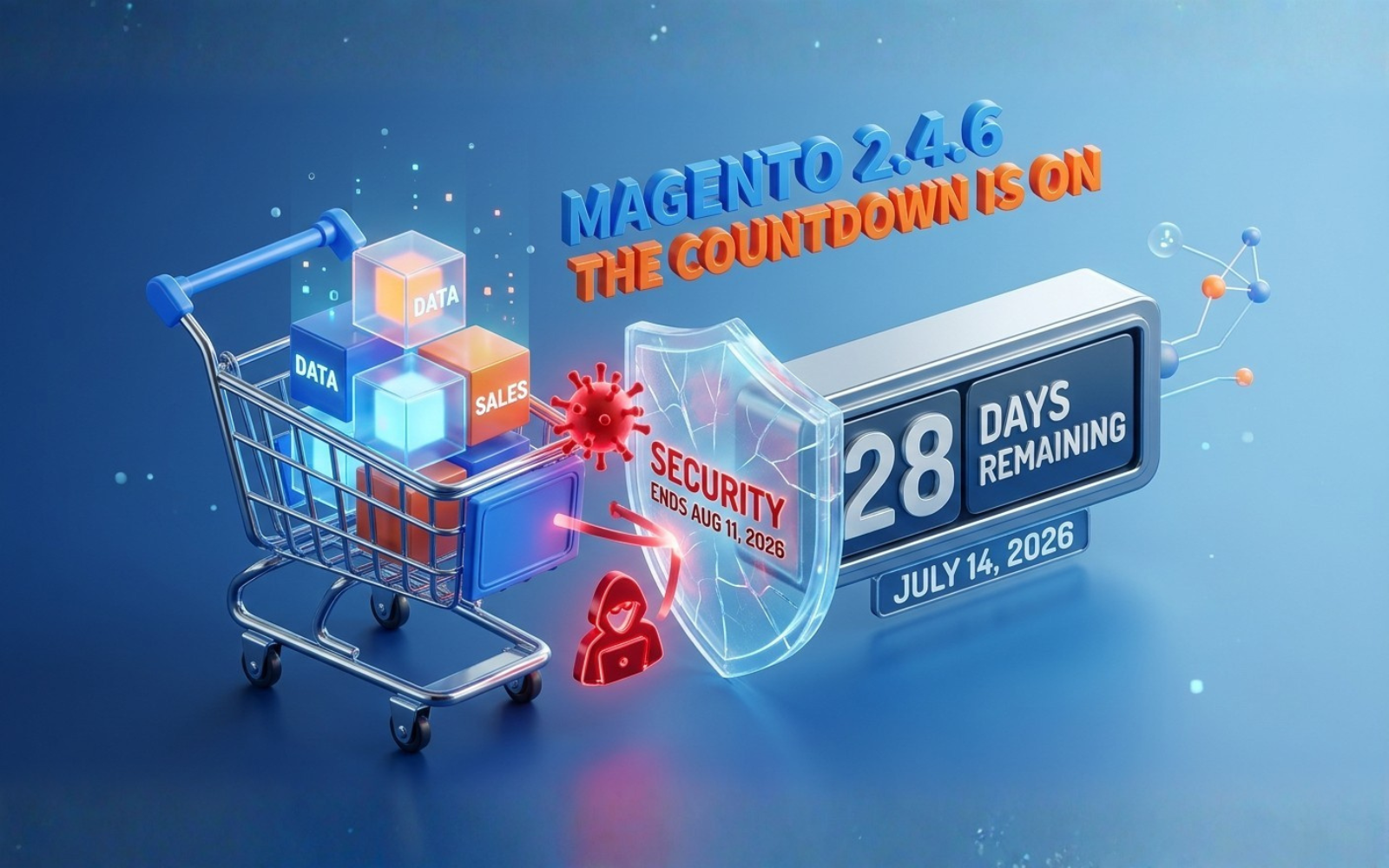
On August 11, 2026, Adobe will officially mark Magento 2.4.6 as End of Life (EOL). For merchants, this milestone is not an abstract technical change; it represents a hard transition regarding security posture, payment compliance, and platform operational integrity.
TL;DR: The Core Facts
If you run an online store on Magento Open Source 2.4.6 or Adobe Commerce 2.4.6, keep these critical items in mind:
- Support Cutoff: Official support, security patches, and quality fixes cease completely on August 11, 2026.
- Vulnerability Exposure: No new Common Vulnerabilities and Exposures (CVEs) will be triaged or patched for this specific branch.
- Compliance Failure: Running EOL software violates PCI DSS Requirement 6.2, exposing your brand to fines and potential loss of your payment gateway processing privileges.
- Immediate Action Required: Code audits, dependency reviews, and upgrading to a supported version (such as Magento 2.4.7 or 2.4.8) should begin immediately to avoid resource bottlenecks.
Understanding Magento 2.4.6 End of Life (EOL)
Every version of Adobe Commerce and Magento Open Source follows a distinct release and support lifecycle. When a version reaches its End of Life, it transitions from active development and maintenance into an unsupported state.
[Active Support Phase] ---> [End of Support / EOL (Aug 11, 2026)] ---> [Unsupported State (Risks Apply)]
Adobe aligns these timelines with underlying software ecosystem dependencies—specifically the PHP lifecycle. Magento 2.4.6 operates primarily on PHP 8.1 and 8.2. As these PHP versions reach their own upstream end of support, maintaining the security architecture of the application layer above them becomes untenable without core structural updates.
Why August 11, 2026, Changes Your Operating Reality
⚠️ WARNING: The Reality of EOL Infrastructure
After August 11, 2026, automated malicious botnets will actively scan for signatures identifying Magento 2.4.6 instances. Because no new security patches will be engineered for this version, any newly discovered zero-day exploit becomes a permanent vulnerability for your storefront.
Remaining on an EOL version introduces immediate operational liabilities:
- Ceased Security Patches: Security updates stop. Your engineering team or agency will have to manually backport security fixes from newer versions—a highly inefficient and error-prone defensive strategy.
- Software Bug Halts: Core framework bugs, admin panel glitches, or performance bottlenecks discovered within the 2.4.6 codebase will no longer be resolved by Adobe’s core engineering team.
- Upstream Ecosystem Drift: Third-party SaaS tools, shipping APIs, ERP integrations, and payment gateways regularly update their API protocols. They will drop compatibility for EOL platform versions to reduce their own support liabilities.
Technical & Business Risks of Staying on Magento 2.4.6
The consequences of delaying your digital platform migration cascade through multiple vectors of your business, from database integrity to corporate legal liability.
| Risk Dimension | Impact Severity | Concrete Consequence for Store Owners |
| Security Architecture | Critical | Increased vulnerability to cross-site scripting (XSS), remote code execution (RCE), and malicious database injections. |
| PCI DSS Compliance | High | Immediate failure of quarterly ASV security scans. Gateway providers can suspend card processing privileges. |
| Platform Performance | Medium | Inability to native-adopt PHP 8.3 structural enhancements, slowing down processing speeds relative to competitors. |
| Extension Compatibility | High | Module developers stop releasing updates for 2.4.6, causing custom extensions to decay over time. |
| Total Cost of Ownership | High | Emergency hotfixes and manual security monitoring cost significantly more over time than an organized upgrade. |
The Compliance Burden: PCI DSS Requirement 6.2
Payment Card Industry Data Security Standards explicitly state that all system components and software must be protected from known vulnerabilities by installing applicable vendor-supplied security patches. When vendor support ends, vendor-supplied patches cease to exist. As a result, maintaining a validated PCI compliance status on Magento 2.4.6 post-August 11, 2026, becomes functionally impossible.
Architecture Comparison: Magento 2.4.6 vs. Newer Versions
Upgrading is an opportunity to reduce technical debt and build a faster, more modern infrastructure.
Feature and Support Comparison Table
| Attribute / Feature | Magento Open Source / Adobe Commerce 2.4.6 | Magento Open Source / Adobe Commerce 2.4.7 | Magento Open Source / Adobe Commerce 2.4.8 (Target Version) |
| Official Support Status | Ends August 11, 2026 | Active Support | Active Support |
| Primary PHP Compatibility | PHP 8.1 / PHP 8.2 | PHP 8.2 / PHP 8.3 | PHP 8.3 / PHP 8.4 |
| Search Engine Support | OpenSearch 2.x / Elasticsearch 7.17 | OpenSearch 2.x / Elasticsearch 7.17 | OpenSearch 2.x / Elasticsearch 8.x |
| GraphQL Performance | Baseline | Optimized resolver caching | Reduced query execution overhead |
| Native CSP Capabilities | Standard | Content Security Policy enhancements | Strict dynamic CSP configuration |
| Hyvä Theme Integration | Compatible (Requires legacy bindings) | Out-of-the-box compatibility | Optimized asset delivery |
Upgrading to Magento 2.4.7 or 2.4.8 introduces important framework optimizations:
- GraphQL Query Caching: Significantly speeds up headless architectures and Progressive Web Apps (PWAs).
- Enhanced Content Security Policies (CSP): Restricts unauthorized JavaScript execution to block digital skimming attacks (Magecart).
- Updated Dependency Stack: Upgrades Composer, Redis, and Varnish dependencies to maintain top performance.
The Strategic Upgrade Roadmap: Step-by-Step
Executing an enterprise-grade platform upgrade requires an organized, structured process to ensure data integrity and avoid unexpected downtime.
[1. Deep Audit] --> [2. Staging Setup] --> [3. Dependency Upgrade] --> [4. Database Migration] --> [5. QA & Testing] --> [6. Safe Go-Live]
1. Codebase and Module Audit
Examine your existing code repository. Use tools like the Magento Upgrade Compatibility Tool (UCT) to evaluate custom modules and third-party extensions against the target version's database schema and API code. Identify deprecated code, overridden core classes, and unmapped database tables.
2. Isolate the Staging Environment
Never perform upgrade tasks directly on a live production server. Provision a mirror staging environment that accurately replicates production server hardware, software versions, database volume, and configurations.
3. Update the Core Stack and Dependencies
Update your environment's system packages. This includes upgrading PHP to version 8.3 (or the version required by your target platform release) and updating search daemons like OpenSearch. Run composer require magento/product-community-edition=2.4.x --no-update along with any necessary extension dependency version bumps, then execute composer update.
4. Database Schema Migration and Verification
Run the database upgrade scripts using the command-line tool: bin/magento setup:upgrade. Monitor data migrations carefully for foreign key constraints or column type mismatches, particularly within sales, customer, and catalog EAV tables.
5. Automated and Manual Regression Testing
Conduct thorough Quality Assurance (QA) testing. Confirm that core eFX elements function perfectly:
- Add-to-cart operations
- Real-time tax calculation services
- Multi-currency checkout pathways
- ERP sync endpoints
Verify custom code behaviors, third-party extension operations, and frontend layout rendering under Hyvä or custom theme templates.
6. Production Deployment Plan
Develop a clear step-by-step production deployment playbook. Schedule the deployment during low-traffic windows. Set up a comprehensive database fallback backup, put the store in maintenance mode, pull the updated codebase, run compilation commands, clear caches, and perform quick live checks before opening the store to customers.
The Magento Upgrade Checklist
Use this checklist to track your readiness and ensure no critical steps are missed during the migration process:
- Run the Adobe Upgrade Compatibility Tool to generate a technical delta report.
- Review your third-party extension licenses and confirm compatibility with newer Magento versions.
- Audit all custom code for compatibility with the latest PHP versions.
- Verify that your theme assets (Luma, custom, or Hyvä) match the layout XML changes of the target version.
- Create verified backups of your production database and media storage assets.
- Build a separate staging environment matching your production server configurations.
- Update infrastructure dependencies, including PHP, OpenSearch, Redis, and Varnish.
- Run
bin/magento setup:upgradeand check error logs for any schema mismatches. - Test transactional email deliveries, payment gateways, and shipping provider integrations.
- Run comprehensive automated or manual User Acceptance Testing (UAT) across the entire checkout process.
- Establish a clear rollback plan in case unexpected errors occur during deployment.
Managing Common Upgrade Challenges
Upgrades frequently encounter friction points due to custom configurations or older technical decisions:
- Deprecated Core Code: Older classes or methods used by custom code may be removed in newer versions. Solution: Refactor custom logic to align with modern API contracts and service contracts.
- Theme Layout Breaks: Changes to checkout blocks or core template files can sometimes impact frontend layouts. Solution: Use modern frontend tools like the Hyvä Theme framework, which simplifies layout XML management and minimizes upgrade conflicts.
- Database Size Bottlenecks: Large databases with extensive log histories can cause timeout errors during schema changes. Solution: Clean out old changelogs, quote histories, and session tables before running the migration scripts.
Expected Project Timelines and Resource Allocation
Upgrade projects vary based on store complexity, customization depth, and integration requirements.
Small Stores (Low Complexity)
- Characteristics: Standard theme, less than 10 popular extensions, minimal ERP/CRM integration.
- Estimated Timeline: 2 to 4 weeks.
- Focus: Verifying core extensions and running baseline testing.
Medium Stores (Moderate Complexity)
- Characteristics: Customized frontend layouts, 15+ extensions, direct payment integrations, light backend custom logic.
- Estimated Timeline: 4 to 8 weeks.
- Focus: Resolving module conflicts and optimizing database performance.
Enterprise Stores (High Complexity)
- Characteristics: Tailored headless/PWA structures, extensive custom modules, real-time multi-system syncs (SAP, NetSuite), multi-brand setups.
- Estimated Timeline: 8 to 16 weeks.
- Focus: Extended refactoring, performance testing, and comprehensive integration QA.
Long-Term Platform Benefits: The Future of Magento
Upgrading from an EOL version keeps your store secure while positioning your brand to leverage modern eCommerce features:
- Advanced Security Infrastructure: Modern releases use enhanced cryptographic standards and strictly enforced Content Security Policies.
- Optimized Performance Architectures: Native support for the latest PHP engines improves response times and reduces server resource usage.
- Modern Frontend Frameworks: Transitioning to modern solutions like Hyvä can dramatically improve Google Core Web Vitals, mobile conversion rates, and overall developer efficiency.
Frequently Asked Questions (FAQ)
Is Magento 2.4.6 still supported after August 11, 2026?
No. After August 11, 2026, Adobe will cease all official security patches, quality updates, and bug fixes for version 2.4.6.
What happens if I do not upgrade my store before the EOL date?
Your store will continue to operate, but it will become increasingly vulnerable to security threats. Additionally, you will likely fail compliance audits (such as PCI DSS), which could lead to fines or the suspension of credit card processing privileges.
What version should I choose for my upgrade path?
We generally recommend upgrading to Magento 2.4.7 or Magento 2.4.8. This ensures access to the latest security features and long-term support windows.
Will my existing third-party extensions work after the upgrade?
Many extensions require updates to ensure compatibility with newer PHP versions and Magento framework changes. Check with your module vendors for their latest supported releases.
How much downtime does a typical Magento upgrade require?
With a well-structured deployment plan and proper staging testing, actual production maintenance downtime can often be kept to under an hour.
Take Action to Secure Your Store
The August 11, 2026 deadline highlights the importance of keeping core software updated. Waiting until the final weeks can lead to resource bottlenecks and increased security risks.
Planning your upgrade early ensures a smooth transition, protects your customer data, and maintains your PCI compliance status. Reach out to an experienced team to conduct a comprehensive codebase audit and establish an efficient upgrade path tailored to your business needs.
Download The Free E-book & Launch Your Brand Strategically

Download The Free E-book & Launch Your Brand Strategically
Share this post



