
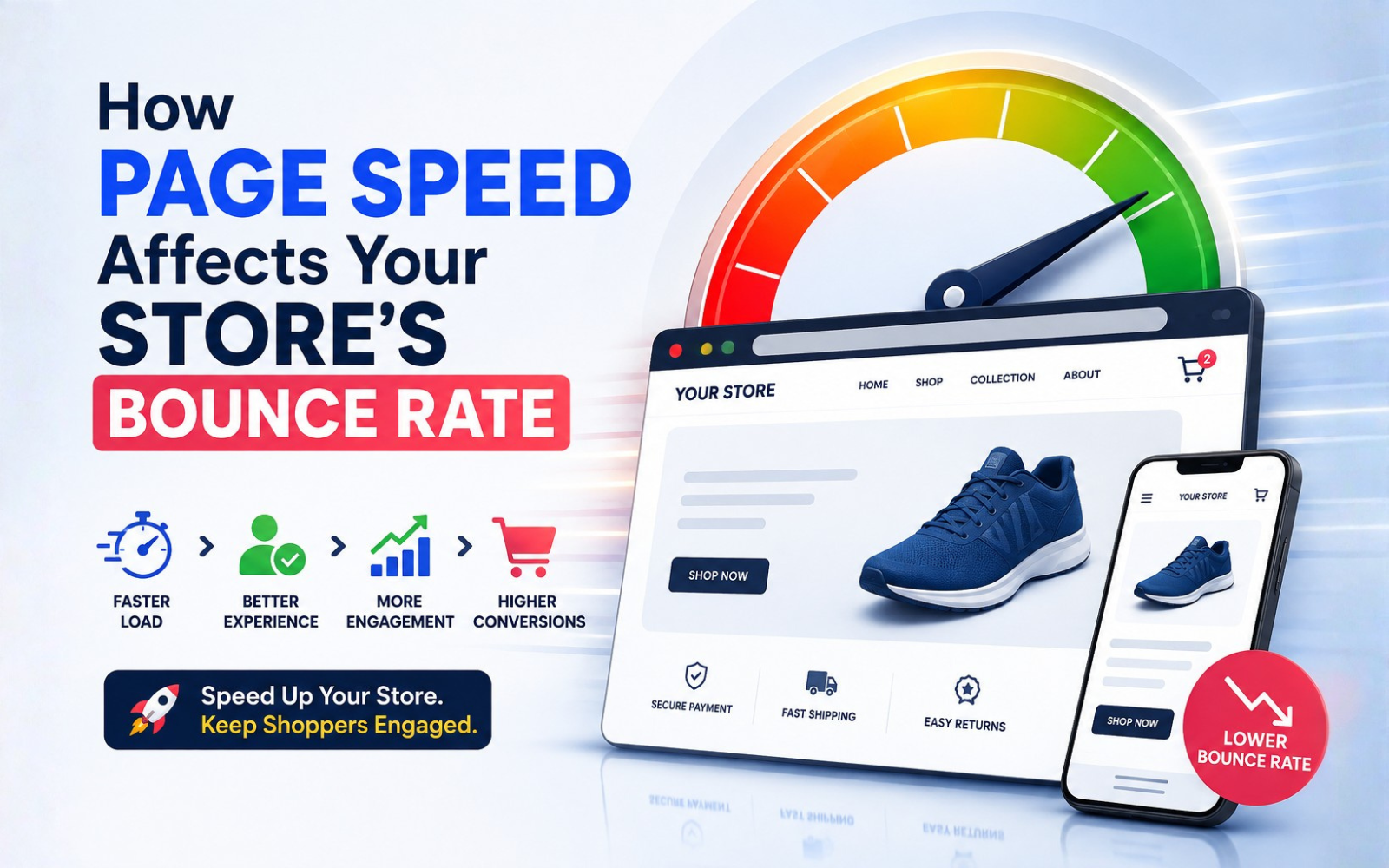
How Page Speed Affects Your Store's Bounce Rate
Page speed is one of the clearest signals of whether an online store feels trustworthy and easy to use. When pages load slowly, visitors are more likely to leave before viewing a second page — raising bounce rate and reducing the chances of a sale. Page speed is not the only factor behind bounce rate, but it is one of the most controllable ones.
TL;DR: How Page Speed Affects Bounce Rate
- Page speed is how quickly a page loads and becomes usable.
- Bounce rate reflects visitors who leave after minimal interaction.
- Slow pages create friction, and friction increases the odds a visitor leaves.
- Mobile speed matters most, since most ecommerce traffic is mobile and networks are less consistent.
- Speed influences conversions indirectly, by shaping engagement and trust — not as a standalone guarantee of sales.
- Start by measuring Core Web Vitals (LCP, INP, CLS) on real product and category pages, then fix the highest-impact issues first.
What Is Page Speed?
Page speed is the amount of time it takes for a webpage's content to load and become usable for a visitor.
It includes several distinct stages:
- Server response time (TTFB): how quickly the server starts sending data.
- Rendering: how the browser draws content on screen.
- Interactive time: when a page responds to clicks, taps, or scrolling.
- Perceived performance: how fast a page feels, even if some elements are still loading.
A technically fast site (good server-side metrics) can still feel slow if key content — like a product image or "Add to Cart" button — appears late. Ecommerce sites should optimize for both measured and perceived speed, and separately for mobile vs. desktop, since mobile devices and networks perform differently.
What Is Bounce Rate?
Bounce rate is the percentage of sessions where a visitor leaves without further interaction, such as clicking to another page.
Modern analytics platforms (like GA4) define engagement more broadly than older tools did, so bounce rate should be read alongside other metrics rather than in isolation:
- Engagement rate – sessions with meaningful interaction
- Conversion rate – sessions resulting in a purchase or goal
- Exit rate – the last page viewed before leaving
- Session duration
- Add-to-cart rate
- Checkout abandonment rate
The general relationship looks like this:
Page Speed → User Experience → Engagement → Conversion
A slow page degrades user experience, which reduces engagement, which can ultimately reduce conversions — but each step is influenced by other factors too.
How Does Page Speed Affect Your Store's Bounce Rate?
Direct answer: Slow-loading pages create friction at every stage of the shopping journey — from browsing to checkout — making visitors more likely to leave before completing an action. The effect compounds as delays increase.
Homepage: A slow homepage can stop visitors from ever reaching category or product pages, especially for new visitors with no brand loyalty yet.
Category pages: Delays in loading product grids, filters, or images interrupt browsing and product discovery.
Product pages: Slow-loading images, reviews, size guides, or recommendation widgets can weaken purchase intent right when a shopper is deciding.
Cart: Unnecessary scripts or slow cart updates create doubt at a moment when reassurance matters most.
Checkout: Speed and reliability are critical here — shoppers who are ready to pay are the least tolerant of delays or errors.
Why Do Visitors Leave Slow Ecommerce Websites?
Several UX and psychological factors drive this behavior:
- Impatience — online shoppers compare stores instantly; a competitor is one tab away.
- Poor mobile experience — small screens amplify the frustration of lag.
- Perceived unreliability — a slow site can read as untrustworthy or outdated.
- Layout shifts — buttons or images that move can cause accidental clicks or abandoned taps.
- Delayed buttons — an "Add to Cart" button that isn't yet interactive feels broken.
- Early pop-ups — interruptions before content loads add to frustration.
- Third-party scripts — chat widgets, trackers, and ad pixels can silently slow a page.
- Slow checkout — hesitation at checkout is costly, since it's the final step before revenue.
Page Speed, Bounce Rate, and Conversion Rate
A simplified framework:
Faster Experience → Lower Friction → More Engagement → More Product Views → More Add-to-Carts → More Conversions
Page speed is one input among many. Other major factors include:
- Product quality and pricing
- Trust signals (reviews, security badges, return policy)
- UX and navigation
- Checkout experience and payment options
- Brand reputation
Improving speed removes a barrier — it doesn't guarantee a sale if other elements of the experience are weak.
How Fast Should an Ecommerce Store Be?
There's no single universal number, but Google's Core Web Vitals provide documented thresholds for a "good" experience:
- Largest Contentful Paint (LCP): 2.5 seconds or less
- Interaction to Next Paint (INP): 200 milliseconds or less
- Cumulative Layout Shift (CLS): 0.1 or less
Core Web Vitals and Ecommerce
| Metric | What It Measures | Ecommerce Impact |
|---|---|---|
| LCP | Loading performance | Users see important content (like product images) faster |
| INP | Interaction responsiveness | Buttons and interactions respond quickly |
| CLS | Visual stability | Prevents accidental clicks and confusion near buttons or checkout |
Mobile Page Speed vs. Desktop Page Speed
Mobile deserves special attention because of:
- Variable network quality (4G, spotty Wi-Fi)
- Smaller screens and touch-based interaction
- Lower average device processing power
- Google's mobile-first indexing, which evaluates the mobile version of a site for ranking
A store that performs well on desktop can still feel slow and clunky on mobile — so both should be tested and optimized separately.
Common Causes of Slow Ecommerce Websites
- Unoptimized or oversized images
- Large JavaScript bundles
- Excessive or unused CSS
- Too many third-party apps and tracking scripts
- Chat widgets and social embeds
- Slow or under-resourced hosting
- Too many HTTP requests
- Render-blocking resources
- Redirect chains
- Missing caching or CDN
- Poorly optimized themes or plugins
- Unoptimized web fonts
Images, third-party scripts, and hosting/server response time are usually the highest-priority issues to address first, since they tend to have the largest measurable impact.
How Images Affect Ecommerce Page Speed
Product images are often the biggest contributor to page weight. Improvements include:
- Compressing images without visibly reducing quality
- Using modern formats like WebP or AVIF
- Serving responsive image sizes for different devices
- Lazy loading images below the fold
- Prioritizing above-the-fold product images so they load first
The goal is balance: Image Quality + Performance + Conversion — cutting quality too aggressively can hurt the shopping experience even as load time improves.
How JavaScript and Third-Party Scripts Affect Speed
Analytics tools, ad pixels, chat widgets, review plugins, and A/B testing tools can each add page weight and execution time. A practical audit approach:
- List every third-party script currently loaded.
- Check each script's impact using Lighthouse or PageSpeed Insights.
- Remove or defer scripts that aren't essential to the current page.
- Load non-critical scripts after the main content renders.
How to Measure Your Store's Page Speed
Useful tools include:
- Google PageSpeed Insights
- Chrome Lighthouse
- Google Search Console (Core Web Vitals report)
- Chrome DevTools
- Real User Monitoring (RUM) tools
Lab data vs. field data: Lab data comes from controlled tests (like Lighthouse) and is useful for debugging. Field data comes from real visitors (like the Chrome User Experience Report) and reflects actual user conditions. Both should be reviewed together.
How to Reduce Bounce Rate Through Speed Optimization
| Action | Problem | Solution | Expected Benefit |
|---|---|---|---|
| Optimize images | Large, unoptimized files | Compress, use WebP/AVIF, lazy load | Faster LCP, lighter pages |
| Improve server response | Slow TTFB | Upgrade hosting, optimize backend | Faster start to page load |
| Enable caching | Repeated full loads | Browser and server-side caching | Faster repeat visits |
| Use a CDN | Distance from server | Serve assets from edge locations | Faster global load times |
| Minify CSS/JS | Bloated code | Remove unused code, minify files | Smaller file sizes |
| Audit third-party scripts | Excess scripts | Remove or defer non-essential tools | Improved INP |
| Reduce render-blocking resources | Delayed rendering | Defer/async scripts, inline critical CSS | Faster visible content |
| Optimize fonts | Slow font loading | Use font-display swap, limit weights | Faster text rendering |
| Reduce redirects | Extra round trips | Simplify redirect chains | Faster navigation |
Platform-Specific Considerations
| Platform | Common Performance Issues | Optimization Focus |
|---|---|---|
| Shopify | Apps, themes, images | Theme and app optimization |
| Magento / Adobe Commerce | Extensions, JS, server config | Infrastructure and code optimization |
| WooCommerce | Plugins, hosting, database queries | Plugin, hosting, and database tuning |
| Custom Ecommerce | Code, infrastructure, APIs | Architecture and engineering |
Page Speed vs. Other Factors That Affect Bounce Rate
| Factor | Effect on Bounce Rate |
|---|---|
| Page Speed | High |
| Mobile Usability | High |
| Content Relevance | High |
| Navigation | High |
| Visual Design | Medium–High |
| Trust Signals | Medium–High |
| Pop-ups | Medium |
| Product Pricing | Medium–High |
Impact varies by website, audience, device, and traffic source — these are general patterns, not fixed rules.
Page Speed Optimization Checklist
- Test mobile and desktop performance separately
- Review Core Web Vitals (LCP, INP, CLS)
- Analyze TTFB
- Compress and convert images to WebP/AVIF
- Remove unnecessary third-party scripts
- Enable caching and configure a CDN
- Reduce render-blocking resources
- Minimize redirects
- Optimize fonts
- Test homepage, category, product, and checkout pages individually
- Monitor real-user performance data
- Re-test after every major site change
Best Practices for Ongoing Performance
Performance work isn't a one-time fix. Ongoing practices include setting performance budgets, running regular audits, monitoring Core Web Vitals in Search Console, testing new apps before adding them, and re-checking speed after redesigns, migrations, or new tracking tools.
Future Trends in Ecommerce Performance
Emerging areas worth watching include AI-assisted performance monitoring, automated image optimization, edge rendering and CDNs, HTTP/3 adoption, headless commerce, and Progressive Web Apps. Some — like image automation and CDNs — are practical today; others, like predictive performance analysis, are still maturing.
Frequently Asked Questions
1. Does page speed affect bounce rate?
Yes. Slower pages create more friction, which increases the likelihood a visitor leaves without further interaction.
2. What is a good page load time for an ecommerce website?
There's no single number, but aiming to meet Google's Core Web Vitals thresholds (LCP under 2.5s, INP under 200ms, CLS under 0.1) is a solid benchmark.
3. How does page speed affect ecommerce conversions?
Faster pages reduce friction and support engagement, which can positively influence conversion — though speed alone doesn't guarantee sales.
4. Does Google use page speed as a ranking factor?
Yes, Core Web Vitals are part of Google's page experience signals used in search ranking.
5. Why is my ecommerce website slow?
Common causes include unoptimized images, excessive JavaScript, too many third-party scripts, and slow hosting.
6. How can I reduce my store's bounce rate?
Improve page speed, mobile usability, navigation, and content relevance together — speed is one part of a broader experience.
7. Does mobile page speed matter more than desktop?
Mobile speed is especially important given mobile-first indexing and the higher share of mobile ecommerce traffic.
8. What are Core Web Vitals?
Google's metrics for loading (LCP), responsiveness (INP), and visual stability (CLS).
9. How do images affect page speed?
Large, uncompressed images are one of the most common causes of slow-loading ecommerce pages.
10. Can too many apps slow down an ecommerce store?
Yes, each added app or script increases page weight and can delay interactivity.
11. Does a faster website improve SEO?
Speed is one of many ranking signals; it supports better user experience and Core Web Vitals scores.
12. How can I test my ecommerce website speed?
Use Google PageSpeed Insights, Lighthouse, and Search Console's Core Web Vitals report.
13. What is the difference between page speed and Core Web Vitals?
Page speed is a general concept; Core Web Vitals are specific, measurable metrics Google uses to assess parts of that experience.
14. Does page speed affect cart abandonment?
Slow or unreliable carts and checkouts can contribute to abandonment, alongside factors like shipping costs and payment options.
15. How often should ecommerce businesses test website performance?
Regularly, and especially after redesigns, migrations, or adding new scripts or apps.
Conclusion
Page speed shapes user experience, user experience shapes engagement, and engagement can influence bounce rate and conversion opportunities. Speed isn't the only lever ecommerce businesses have — but it's one of the most measurable and fixable ones.
Start by measuring performance on real product and checkout pages, identify the biggest bottlenecks, prioritize high-impact fixes like images and third-party scripts, and monitor real-user data over time. Businesses that need deeper support can look into dedicated ecommerce performance and technical SEO optimization services.
Download The Free E-book & Launch Your Brand Strategically

Download The Free E-book & Launch Your Brand Strategically
Share this post



